Use generated or uploaded voice audio
Start with audio from RoleTTS text to speech, a cloned voice, or your own uploaded recording.

Pick a Role
What should the role say?


Trusted by 1M+ creators and companies in 40+ countries.









Talking avatar pages work best when the tool is close to the top: creators can upload a character, choose audio, and understand the workflow before reading deeper content.
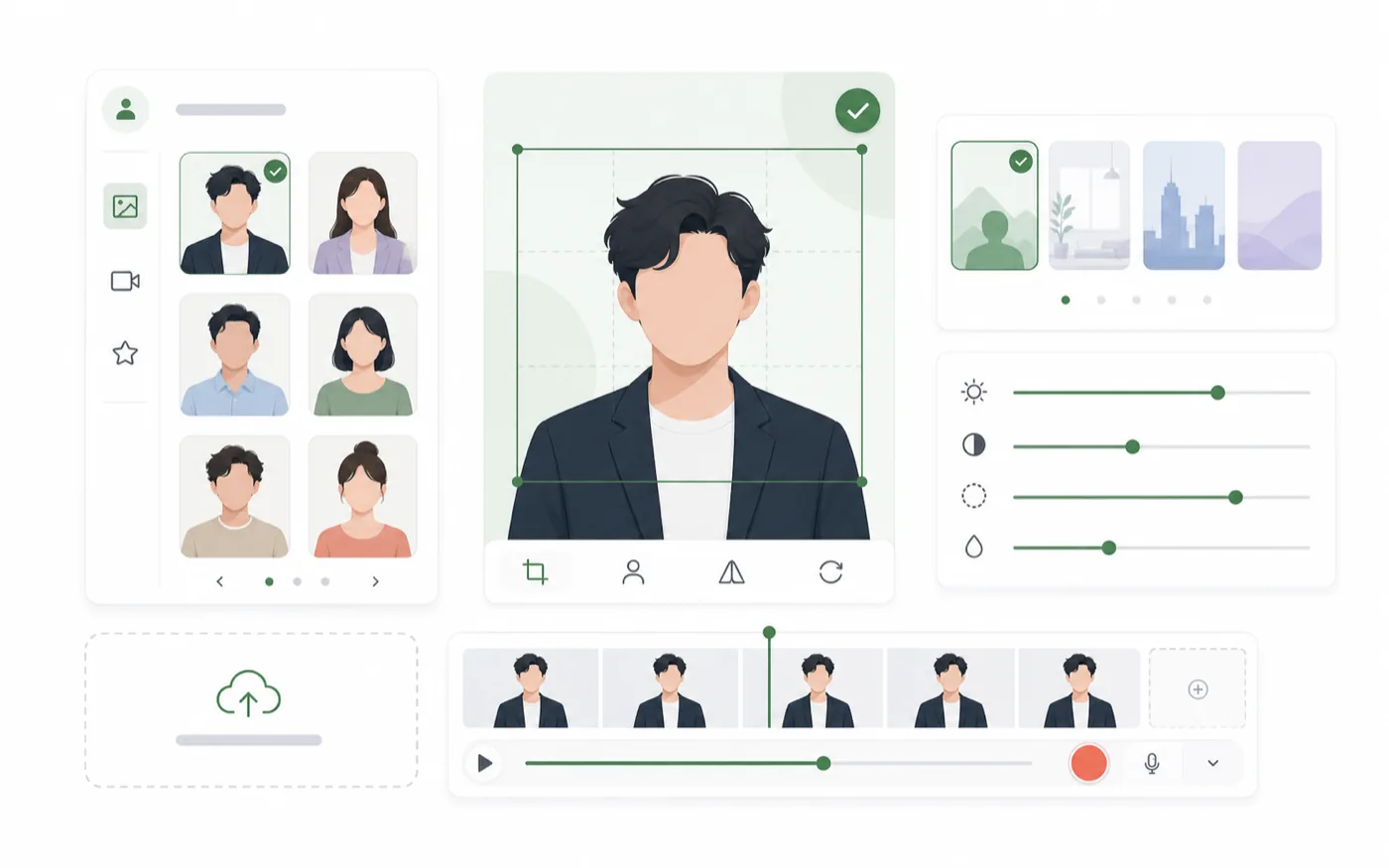
A talking avatar is a generated video where a character image appears to speak along with voice audio. It is useful when you need a visual speaker for narration, lessons, demos, or social content.
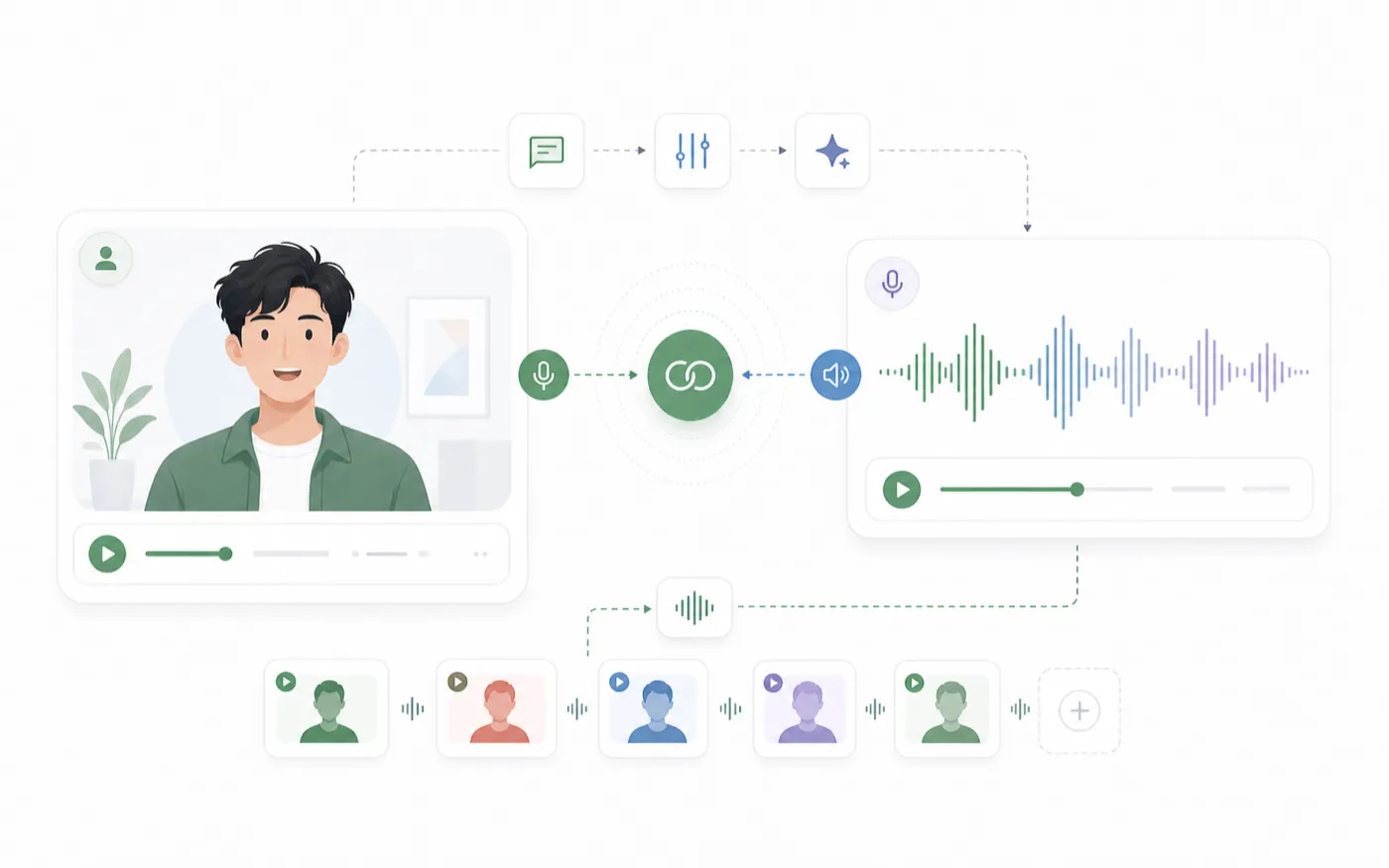
RoleTTS connects text to speech, cloned voices, and avatar video in one workflow, so you can generate or upload audio and turn it into a presenter-style video without leaving the workspace.
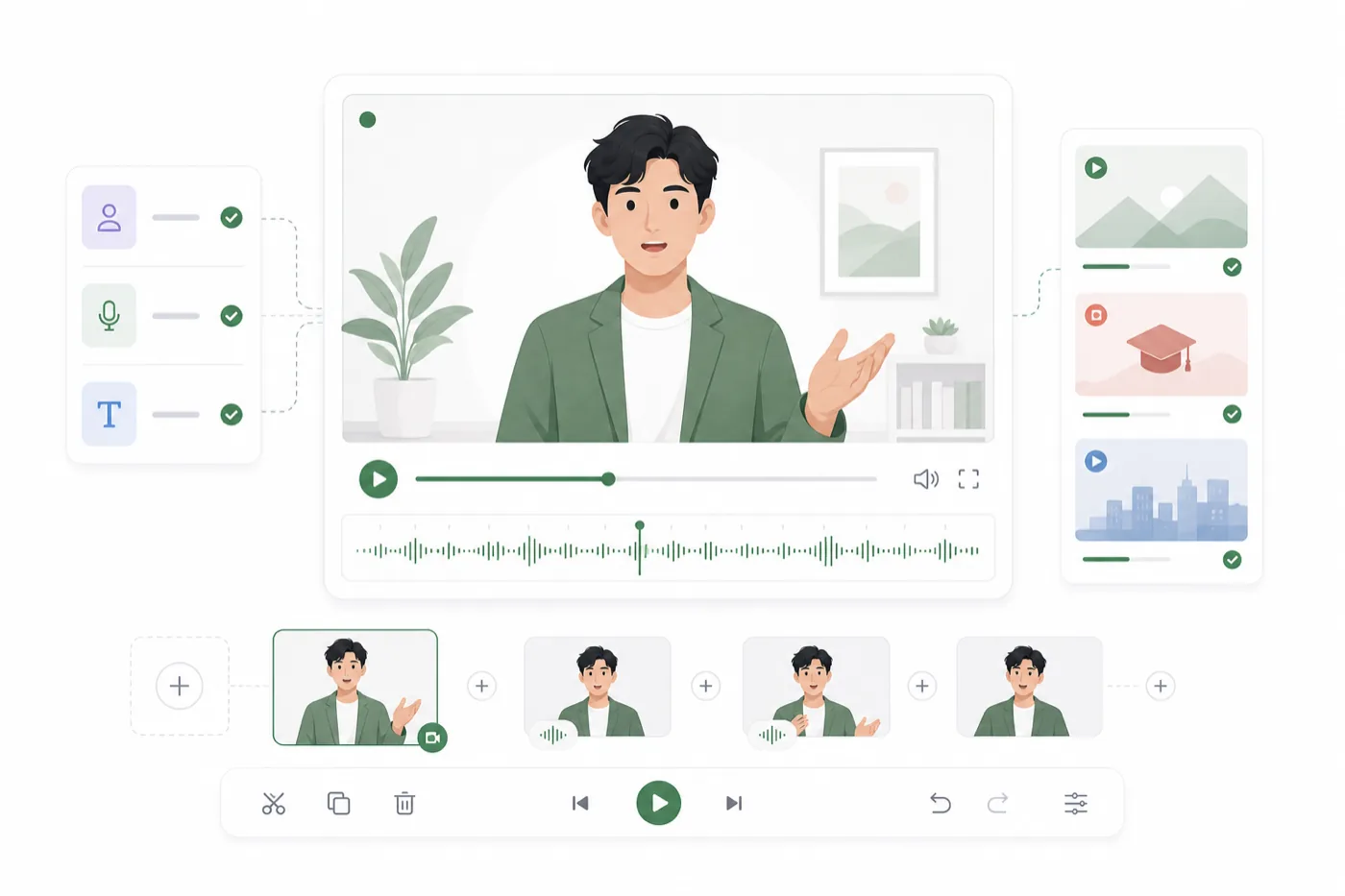
Create avatar clips for product walkthroughs, training content, creator intros, social posts, internal updates, and character-led stories.
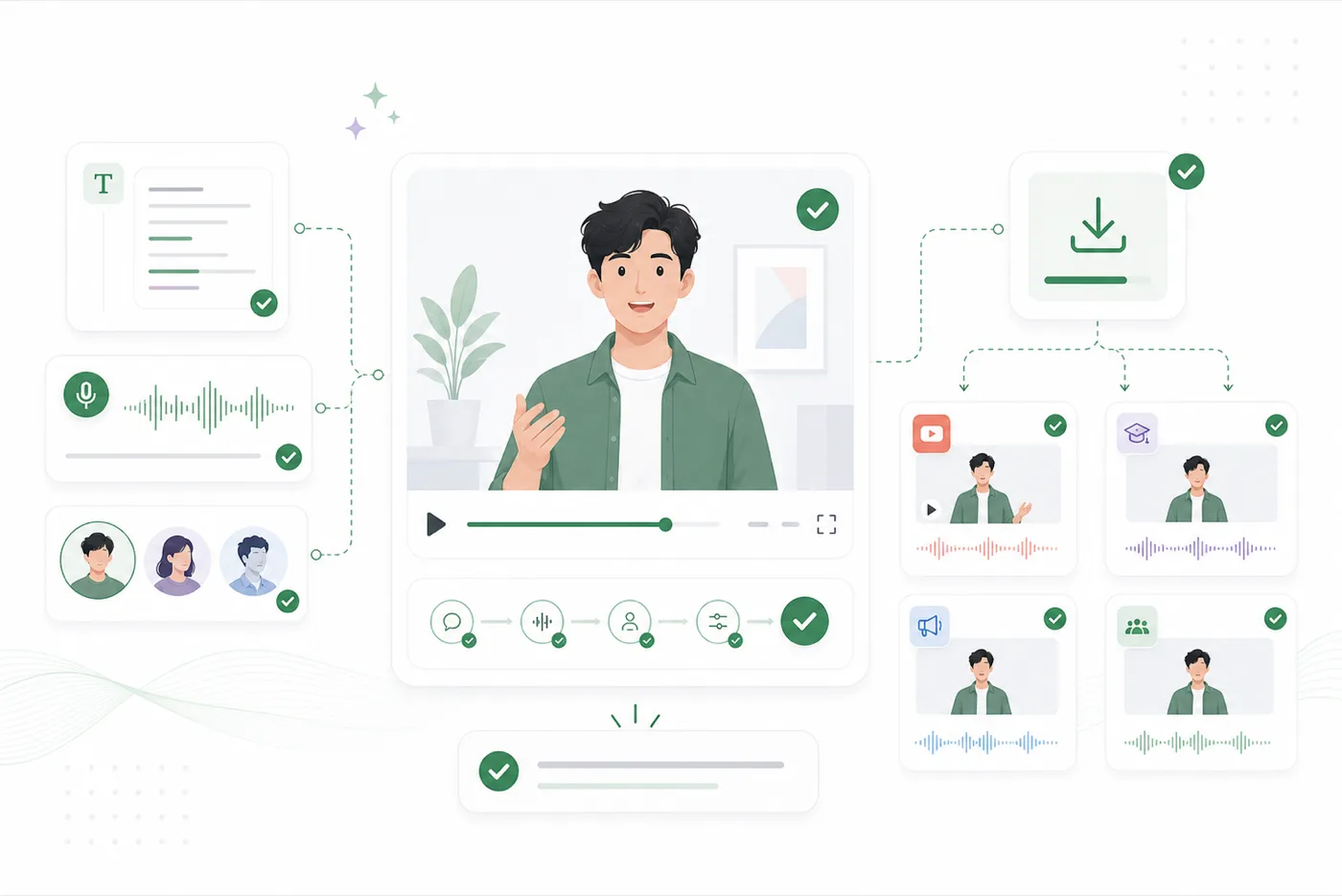
The workflow keeps inputs clear: image first, voice audio second, then a generated video result you can preview, download, and reuse.
The workspace is designed around practical avatar production: image, voice source, generation status, and downloadable video output.
Start with audio from RoleTTS text to speech, a cloned voice, or your own uploaded recording.
Pair a character image with the right voice so the final video feels like one coherent asset.
Preview the generated result, then export avatar video for social posts, demos, lessons, and internal communication.
Prepare a character image, choose a voice audio source, then generate and review the video.
Choose a clear front-facing character, presenter, or saved image that can work as the visual speaker.
Upload audio or select generated speech from your RoleTTS library to drive the avatar performance.
Create the avatar video, preview the result, and download it for your project when it is ready.
Talking avatars become stronger when the voice is generated, designed, or cloned in the same ecosystem.
Turn scripts into voiceovers with selected voices.
Open toolBrowse voices by language, style, gender, and use case.
Open toolCreate a new voice from a written voice direction.
Open toolCreate a reusable voice identity from your recording.
Open toolTeams use avatar clips when they need a visual speaker without filming a person every time.
Talking avatars help us turn release notes and demos into video without scheduling a shoot.
E.R.
SaaS marketer
It is useful for lesson intros where a visual presenter makes the content easier to follow.
B.N.
Course producer
We can pair generated voiceovers with avatar clips and test short-form hooks faster.
Y.T.
Social editor
Avatar video gives internal updates a consistent presenter without needing new footage.
L.R.
Training manager
The voice-first workflow is the part that makes it practical for frequent product content.
D.S.
Founder
It is a quick way to see how a character image and voice feel together before producing more scenes.
A.G.
Character creator
Add an avatar image, pair it with voice audio, and generate a video clip inside the RoleTTS workspace.
Open talking avatar studio