Searchable voice catalog
Find voices by name, language, accent, category, personality, and use case instead of browsing blindly.

Create a character voice from a visual cue and short prompt.
Clone a reference sample into a reusable TTS voice.
Loading voices...


Trusted by 1M+ creators and companies in 40+ countries.









A voice library page should make discovery practical: search, filter, preview, collect, and move into production without losing context.
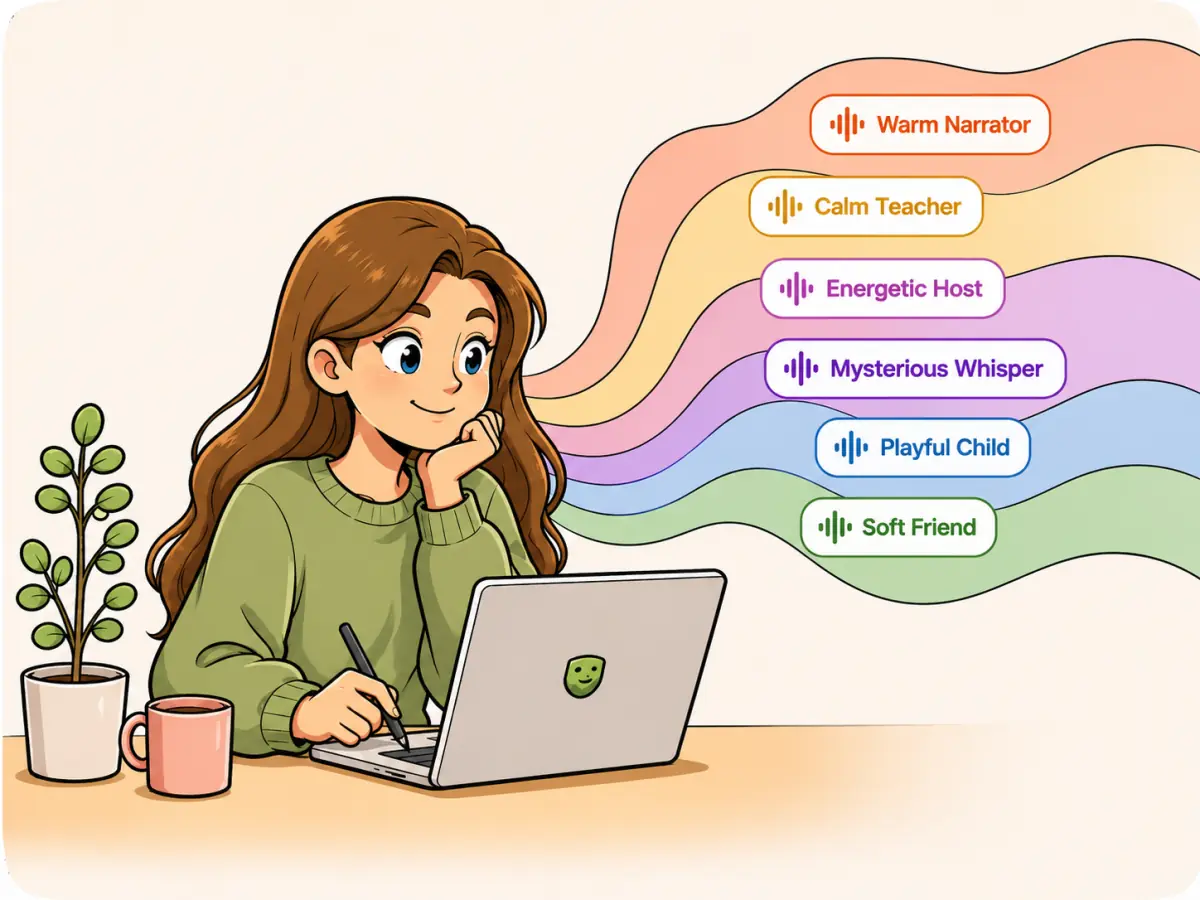
An AI voice library is a searchable catalog of synthetic voices. It helps creators compare speaker style, language, age, gender, and use case before generating text to speech audio.

RoleTTS connects the voice library with text to speech, voice design, and voice cloning. You can discover a preset voice, collect favorites, or use a voice directly in the studio.
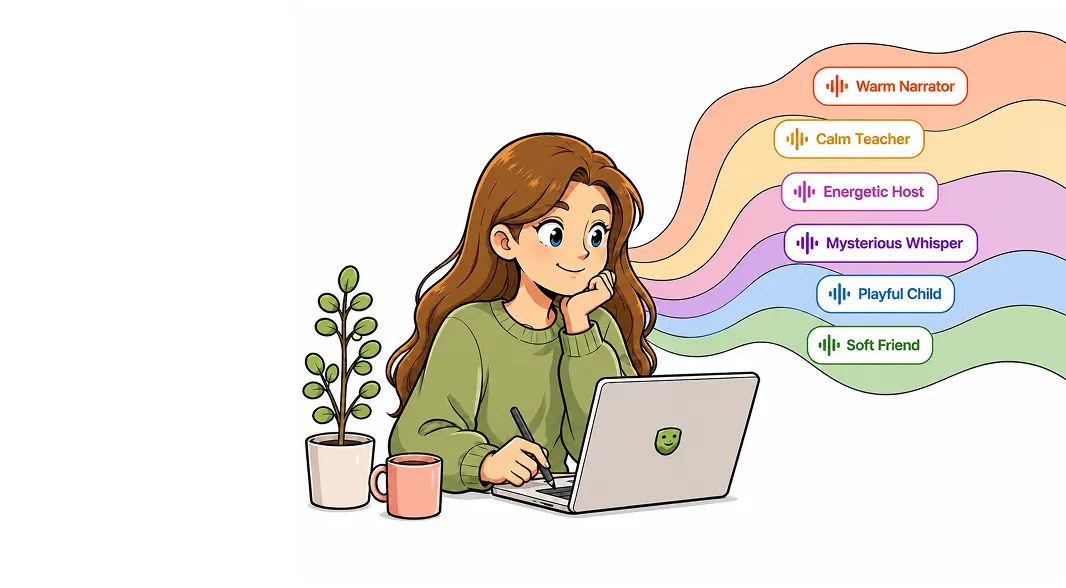
Search for narrator voices, character voices, assistant voices, anime voices, kids voices, and multilingual options without scrolling through an unstructured list.

Once a voice fits the project, open it in text to speech, test the script, and keep the same voice across videos, courses, demos, ads, and avatar content.
The library is built for repeated creative work: compare voices fast, keep useful voices close, and send them into the right tool.
Find voices by name, language, accent, category, personality, and use case instead of browsing blindly.
Listen to samples, save favorites, and return to voices that already fit your brand, character, or narration style.
Use a catalog voice in text to speech, design a new voice from direction, or clone a reference voice when the catalog is not enough.
Start broad, filter quickly, preview candidates, then send the best voice into production.
Use language, accent, gender, age, and category filters to narrow the catalog to voices that match the project.
Listen to voice samples and compare delivery, warmth, clarity, character, and production fit.
Open the selected voice in text to speech and generate audio for the actual script you need.
Voice discovery works best when it sits next to generation, design, cloning, and avatar creation.
Turn scripts into voiceovers with selected voices.
Open toolBrowse voices by language, style, gender, and use case.
Open toolCreate a new voice from a written voice direction.
Open toolCreate a reusable voice identity from your recording.
Open toolA good library shortens the gap between an idea and a usable voice direction.
The library makes it much easier to test several narration styles before committing to one.
M.V.
Video producer
I can keep a few teaching voices collected and reuse them across lesson updates.
C.L.
Course creator
Filtering by character style helps us find a starting point before designing new voices.
J.R.
Game writer
The handoff into text to speech keeps voice selection and script testing in one flow.
A.N.
Marketing lead
Previewing voices first saves time when we are making several versions of the same post.
S.P.
Social editor
A searchable catalog is the fastest way for us to find a voice that fits a product demo.
D.K.
Founder
Browse the voice library, preview candidates, and open the best voice in the full RoleTTS workspace.
Open voice library studio