Upload or record reference audio
Start with a clear voice reference and keep the capture process inside the same workspace.

Clone a voice from short audio and generate editable speech in one workspace.


Trusted by 1M+ creators and companies in 40+ countries.









Voice cloning is for projects that need a consistent speaker identity across scripts, channels, lessons, videos, and avatar content.
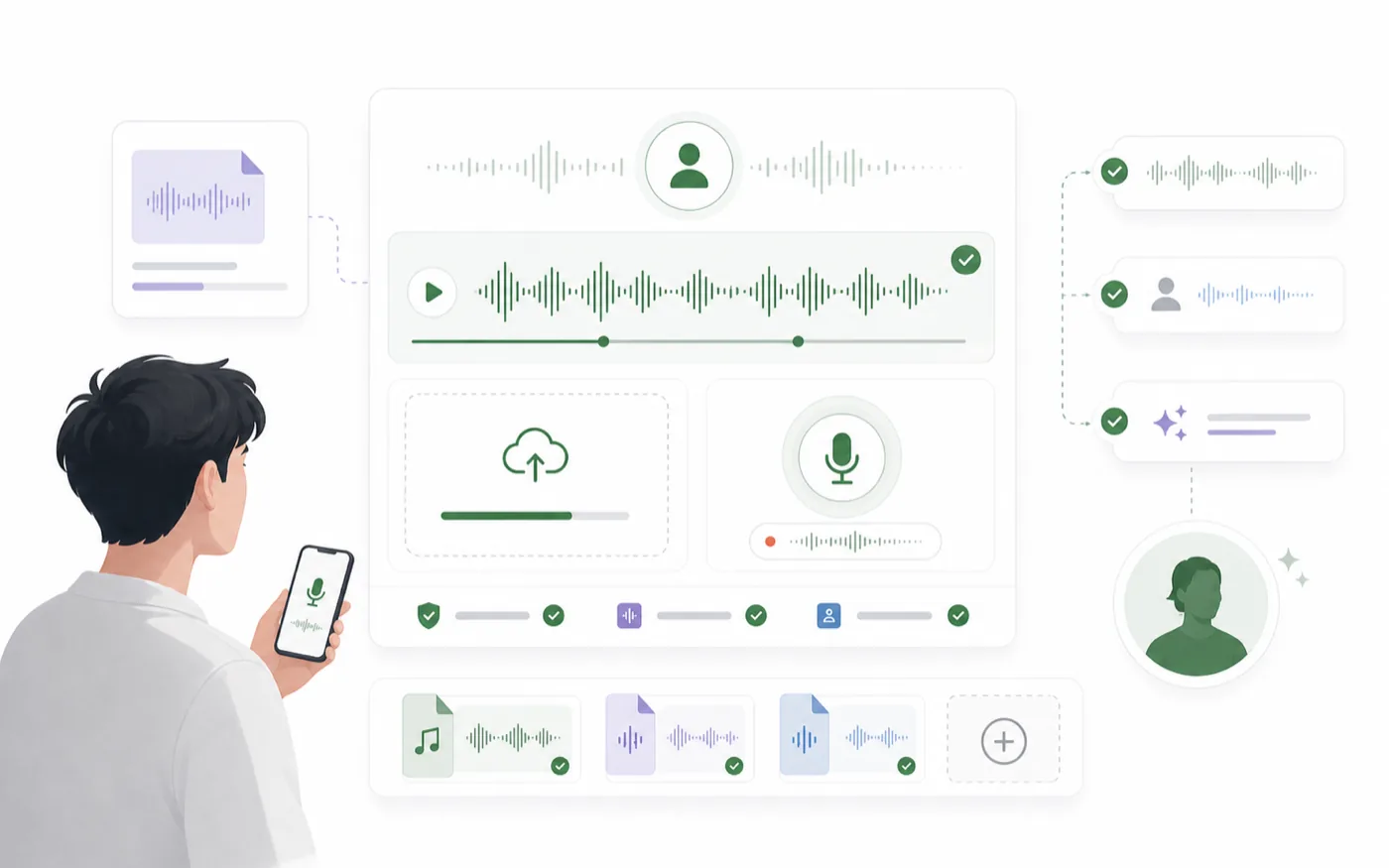
AI voice cloning uses a reference recording to create a reusable synthetic voice. Once the voice is available, you can generate new speech from text without recording every script manually.
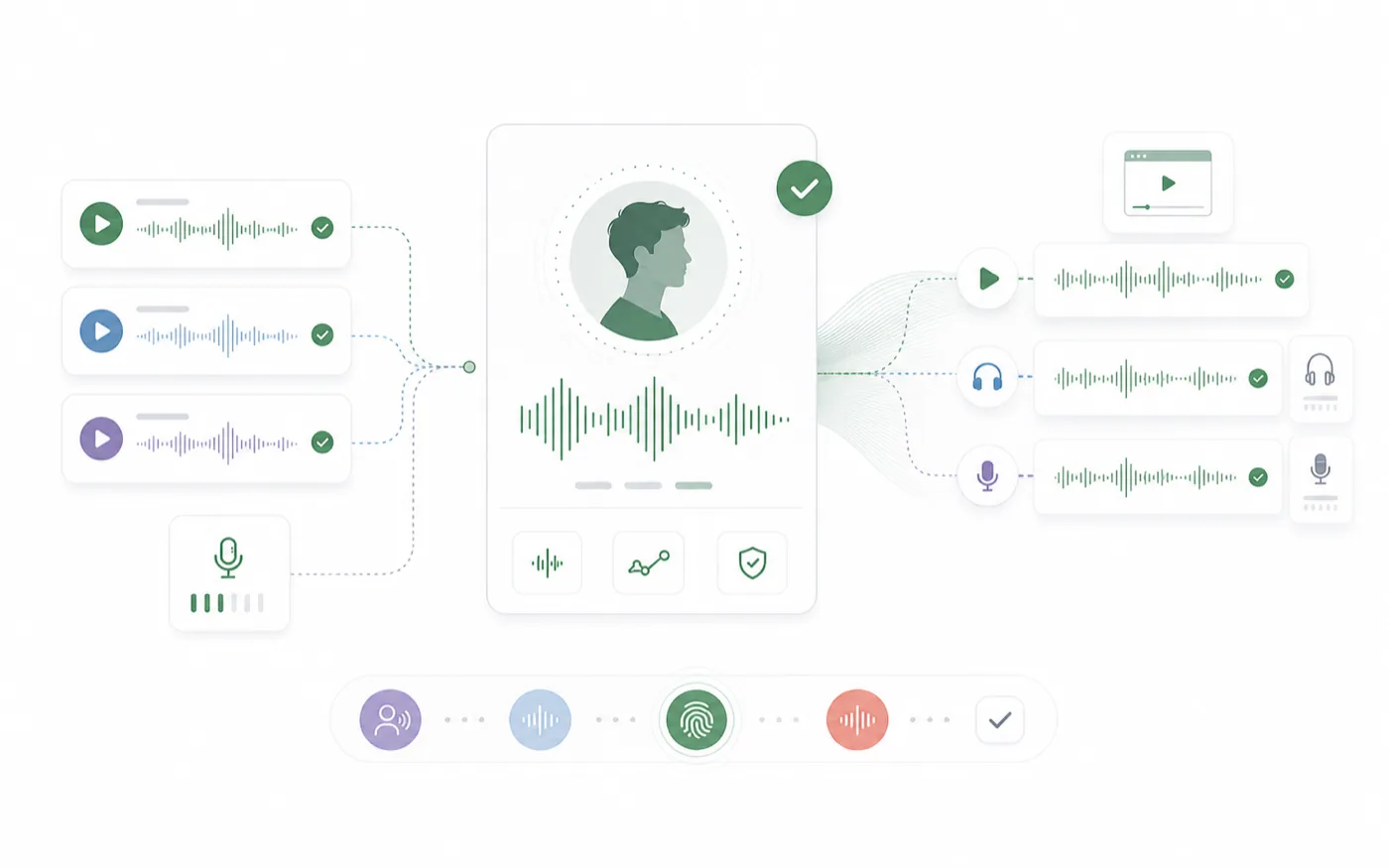
RoleTTS places cloning next to text to speech and voice design, so a cloned voice can move directly into script generation, content localization, and talking avatar workflows.
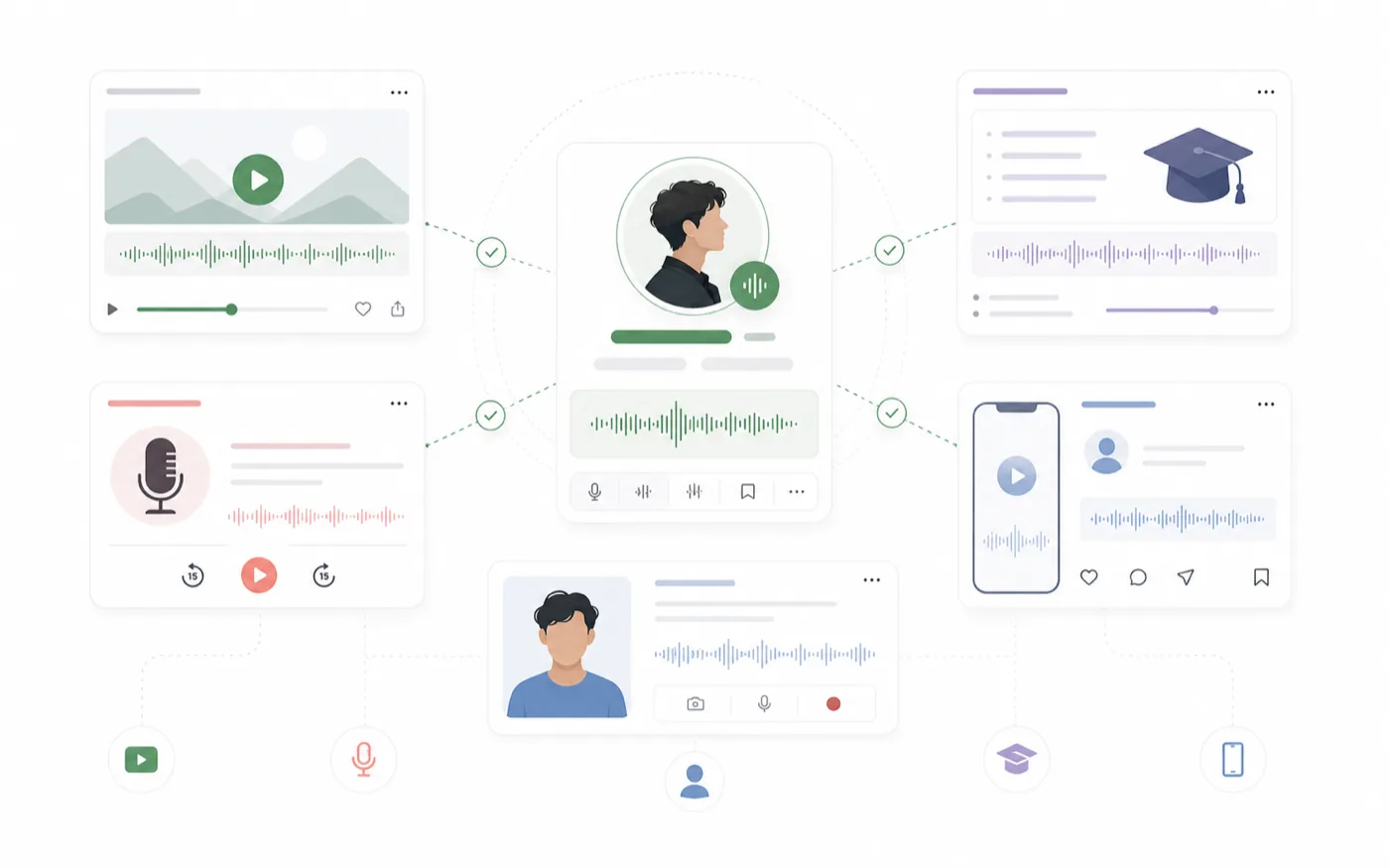
Create consistent narration for tutorials, product videos, internal training, social clips, podcast drafts, and recurring character or brand voices.
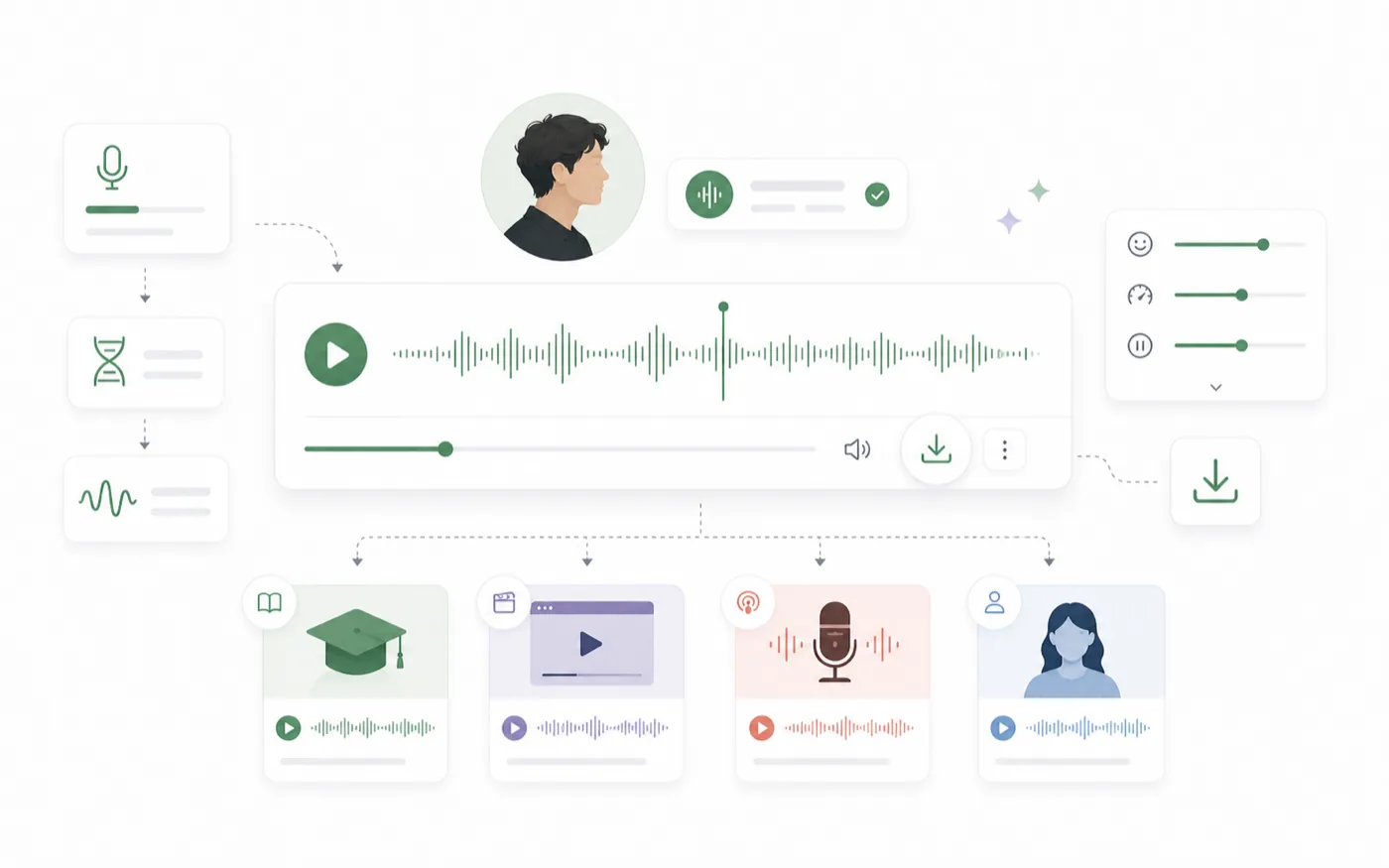
Upload or record reference audio, add a test script, generate a sample, then save the voice for repeatable projects when the result fits.
Voice cloning helps teams keep audio consistent while reducing repeated recording work for every script or content update.
Start with a clear voice reference and keep the capture process inside the same workspace.
Generate a sample from text so you can judge whether the cloned voice works for actual content.
Use saved cloned voices across future scripts, voiceovers, and avatar workflows when consistency matters.
Use a clean reference, test with a short script, and save the voice only when it matches your needs.
Use a clear voice sample with low background noise and enough speech for the model to learn the voice identity.
Write a short script that matches the kind of content you plan to create with the cloned voice.
Preview the result, download the audio, and save the voice for future text to speech work if it fits.
A cloned voice becomes more useful when it connects to text generation, voice discovery, design, and avatar video.
Turn scripts into voiceovers with selected voices.
Open toolBrowse voices by language, style, gender, and use case.
Open toolCreate a new voice from a written voice direction.
Open toolCreate a reusable voice identity from your recording.
Open toolCreators and teams use cloning when the same voice needs to appear across many pieces of content.
We use cloning for quick product updates where the narration should still sound like the same speaker.
C.B.
Founder
It saves time when lessons need small edits but we do not want to re-record the whole module.
H.W.
Course operator
The workflow is direct: reference audio, test text, and a sample we can actually judge.
S.E.
Social producer
It is useful for drafting sponsor reads and alternate takes before final review.
P.D.
Podcast producer
A saved voice helps us keep internal training videos consistent across updates.
J.F.
Training lead
Once the voice is ready, sending it into avatar content feels like the natural next step.
V.K.
Avatar creator
Start with a clean reference sample, generate a test line, and save the voice when it fits your workflow.
Open voice clone studio