Brief-first voice creation
Start with natural language direction for tone, delivery, age range, and use case instead of tuning a pile of disconnected settings.

Describe a voice, optionally add an image, and get a sample voice preview automatically.


Trusted by 1M+ creators and companies in 40+ countries.









Voice design is the right entry point when you know the character, brand, or delivery style you want but do not already have a matching voice recording.
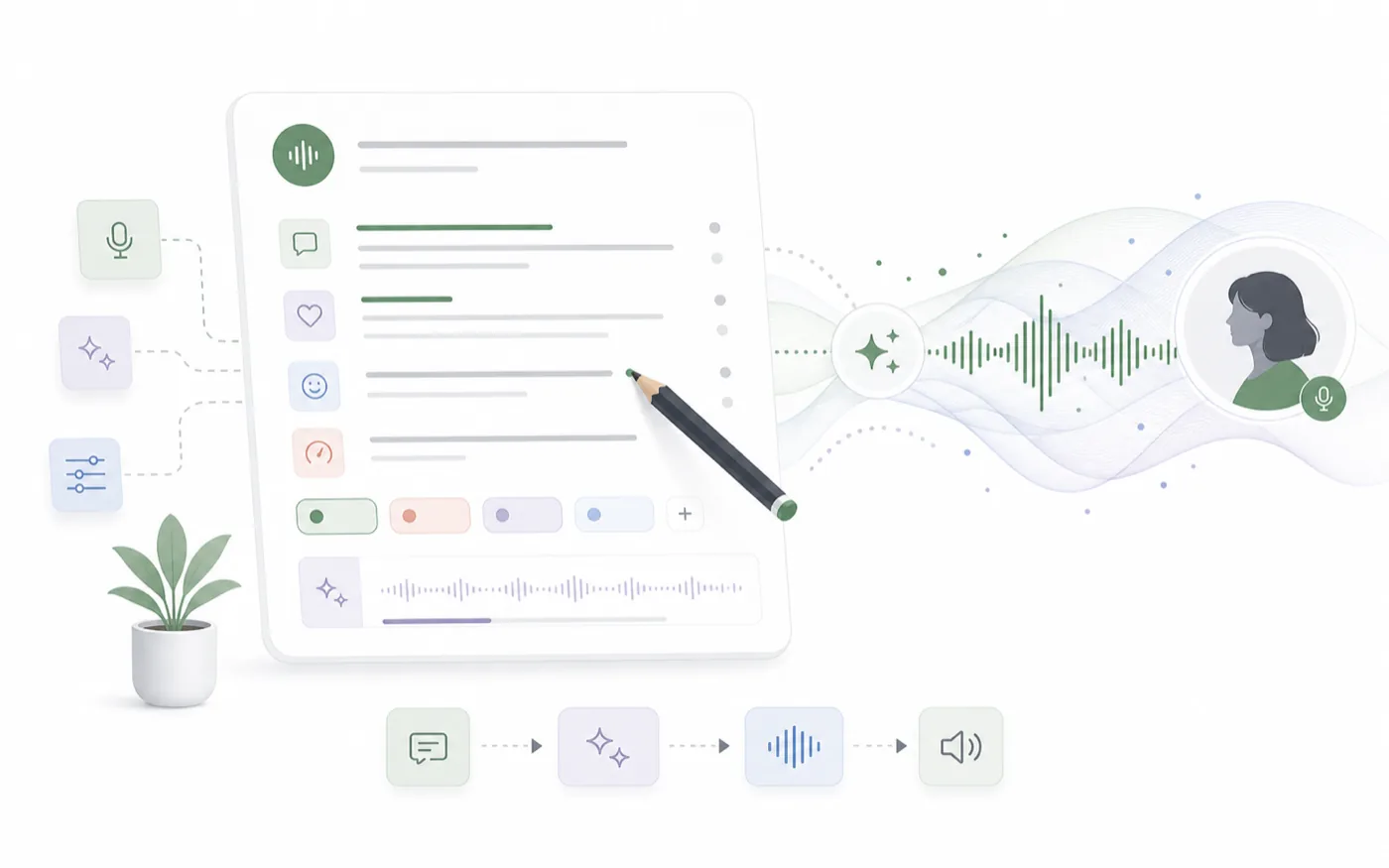
AI voice design turns written voice direction into a generated voice style. Instead of browsing endlessly, you describe tone, age range, language, pacing, and use case, then generate a sample to test the fit.
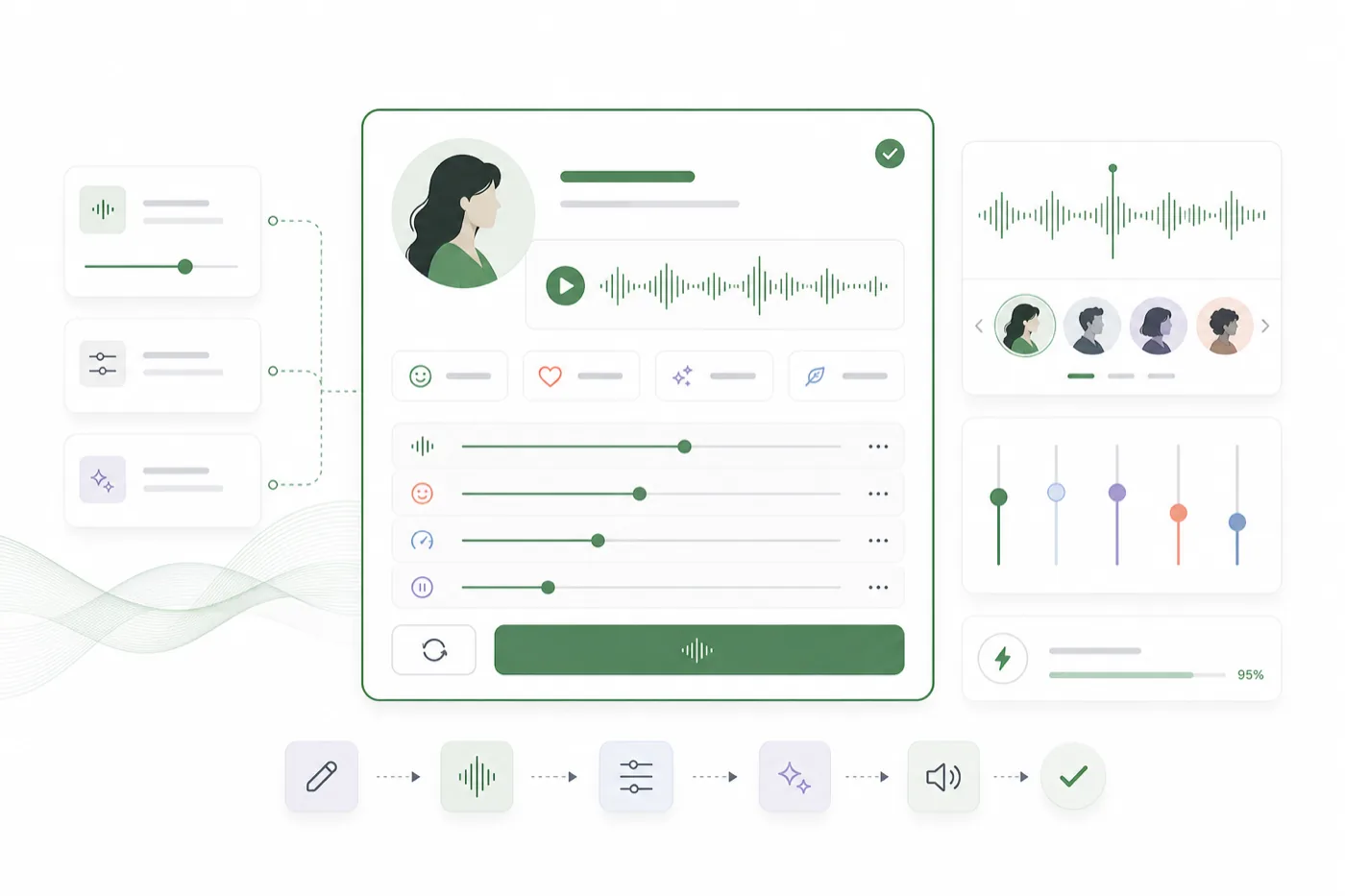
RoleTTS keeps voice design close to text to speech, voice cloning, and the voice library. You can create a voice concept, hear it with real script audio, and reuse that direction across creator videos, ads, courses, and characters.
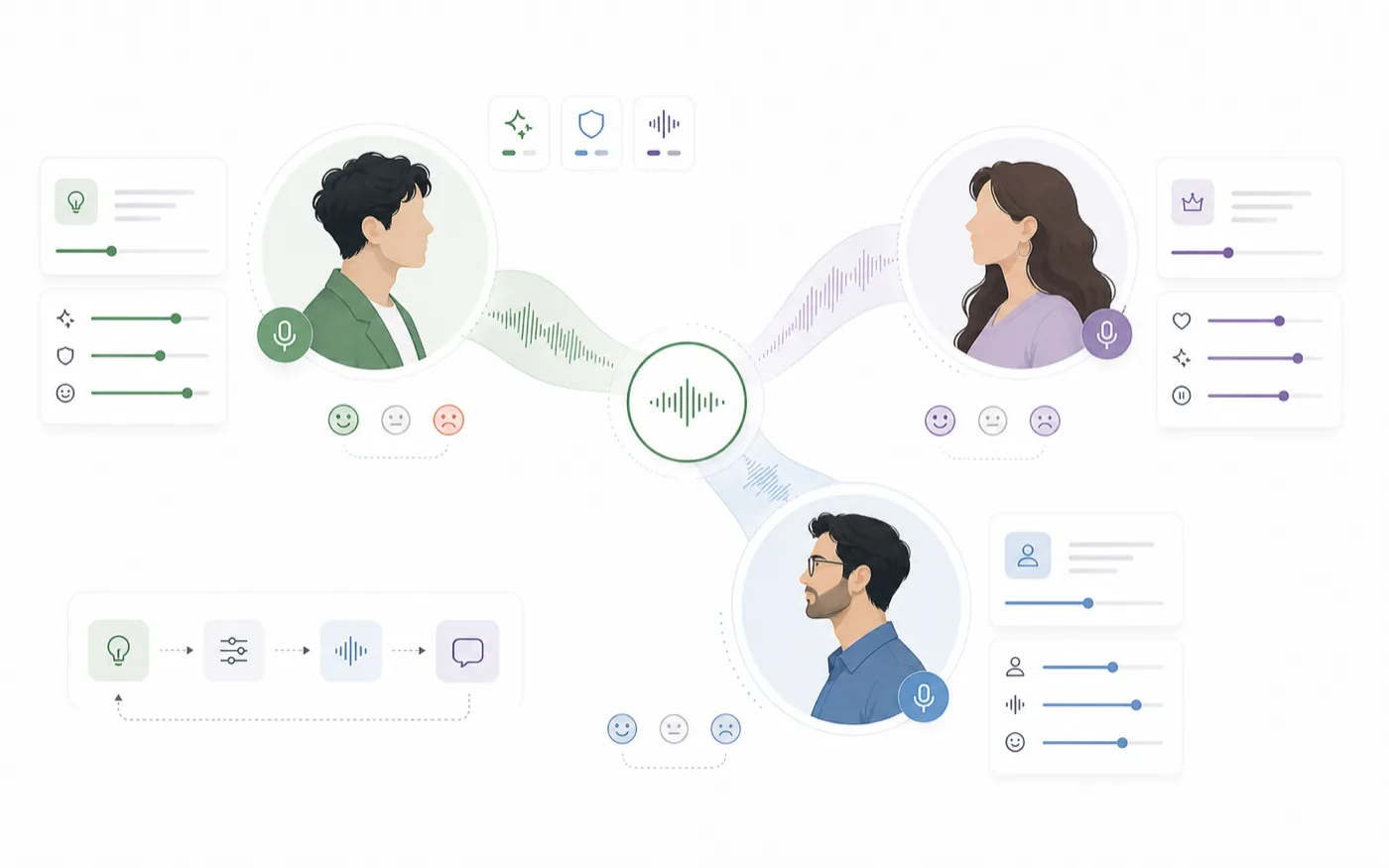
Create a consistent voice for product demos, explainers, fictional characters, game dialogue, social ads, and educational content without starting from a raw recording.
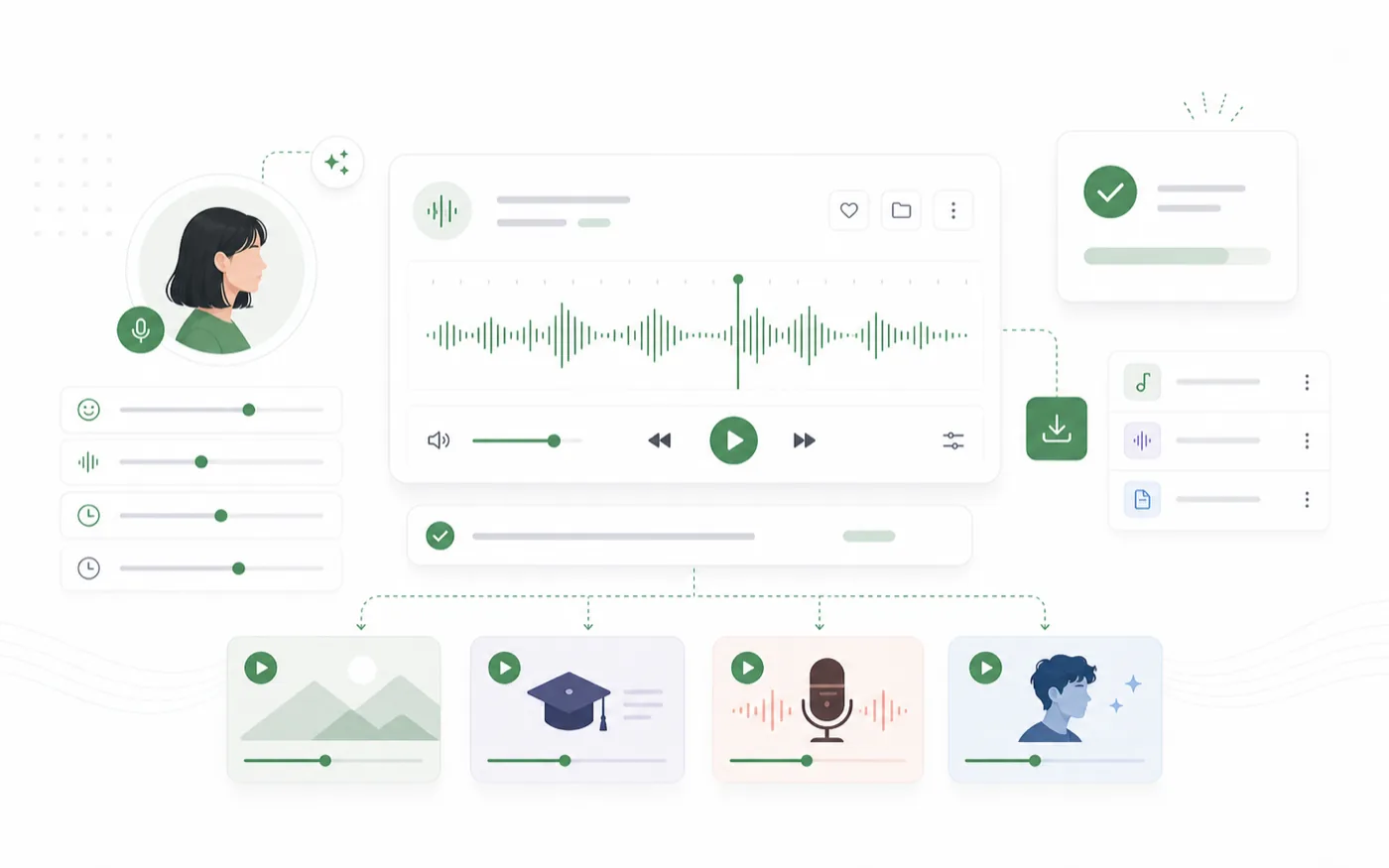
Voice direction is easier to judge when you can hear it. Use the workspace to write a brief, generate a sample, refine the description, and send the best voice into text to speech.
The workflow is built for practical creative direction: describe the voice, test a sample, refine the style, then carry it into your audio workflow.
Start with natural language direction for tone, delivery, age range, and use case instead of tuning a pile of disconnected settings.
Generate a sample from the same workspace so you can decide whether the voice actually fits the script.
Use the designed voice style with text to speech workflows when it is ready for longer scripts and repeatable production.
Keep the loop short: write the direction, generate a sample, then refine the brief until the voice fits.
Write the voice direction: personality, tone, pacing, age range, accent, language, and where the voice will be used.
Create an audio sample and listen for clarity, warmth, energy, and fit against your intended scene.
Adjust the description, save the strongest style, and continue into text to speech for production scripts.
Voice design works best when it sits next to voice discovery, cloning, text to speech, and avatar generation.
Turn scripts into voiceovers with selected voices.
Open toolBrowse voices by language, style, gender, and use case.
Open toolCreate a new voice from a written voice direction.
Open toolCreate a reusable voice identity from your recording.
Open toolIt helps teams agree on the sound of a voice before committing to scripts, campaigns, or character systems.
Voice design helps us hear a character direction before we build the whole scene around it.
N.L.
Creative producer
I can test several brand voice directions quickly and keep the ones that feel polished.
K.M.
Brand marketer
The brief-first workflow is faster than browsing voices when a client already has a sound in mind.
R.S.
Video editor
It is useful for finding a friendly teaching voice before turning long lessons into audio.
A.P.
Course creator
We use it to test character tone and energy before we lock the dialogue direction.
T.H.
Game writer
It gives our team a shared audio reference instead of debating words like warm or premium forever.
M.C.
Content strategist
Start with a short voice brief, generate a sample, and refine the voice until it fits the project.
Open voice design studio