Lifelike voices that sound human
Choose natural voices for narration, creator videos, lessons, product demos, and character lines instead of flat robotic audio.

Welcome to RoleTTS. Paste your script, choose a voice, and generate natural speech for videos, courses, podcasts, and character dialogue.
Model
Speaker
Mature Woman
Voice Controls
Speed
Pitch
Volume


Trusted by 1M+ creators and companies in 40+ countries.









A good text to speech page should let creators work fast without giving up control. This layout keeps the generator first, then gives search visitors enough context to understand the product.
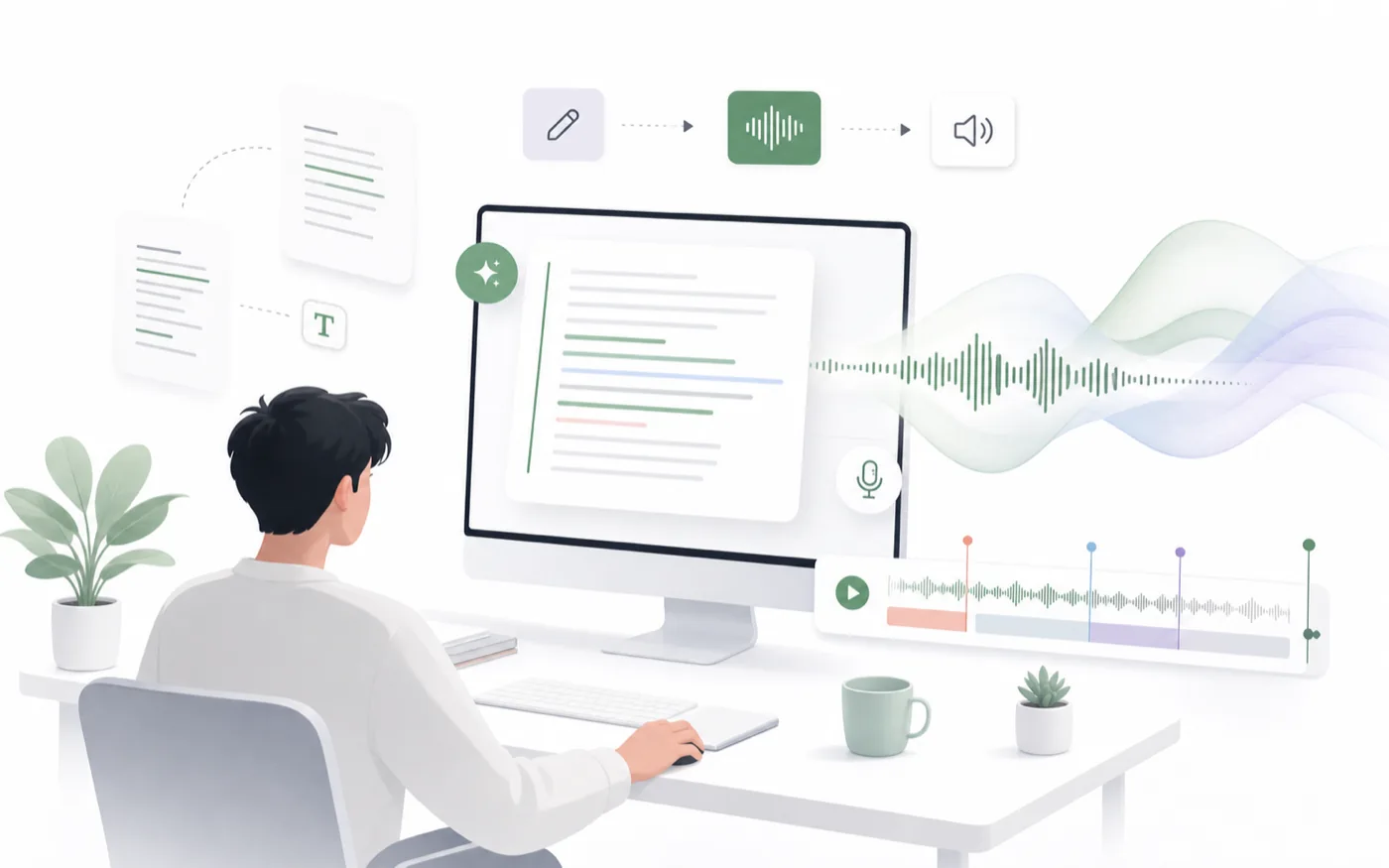
AI text to speech converts written words into spoken audio. RoleTTS is built for creator workflows, so you can move from script to voiceover while controlling voice style, language, emotion, pacing, pauses, and output.
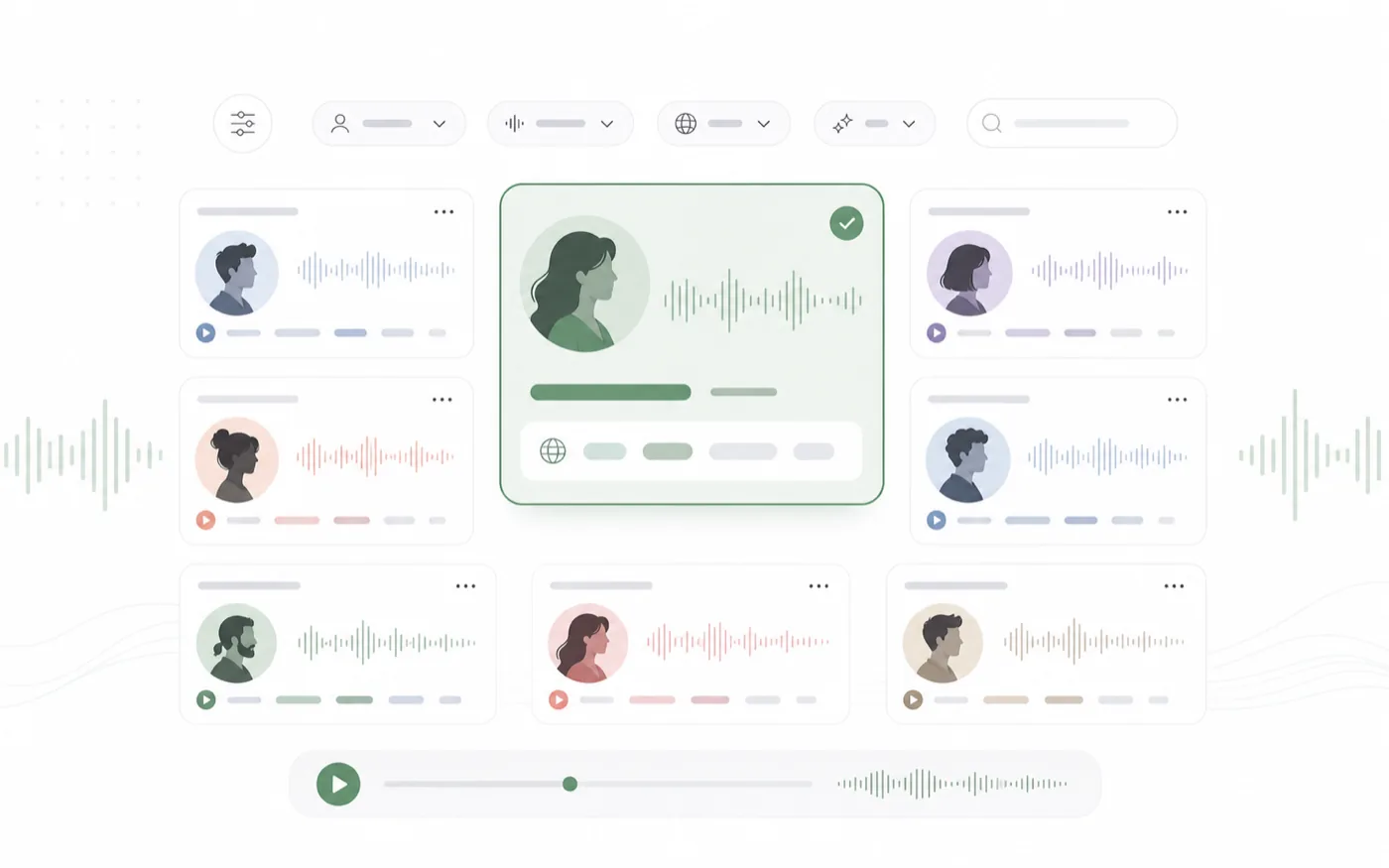
RoleTTS combines a voice library, voice design, voice cloning, and text to speech in one workspace. That means a creator can find or design a voice, test a script, and reuse the same voice across videos, avatars, ads, courses, and stories.
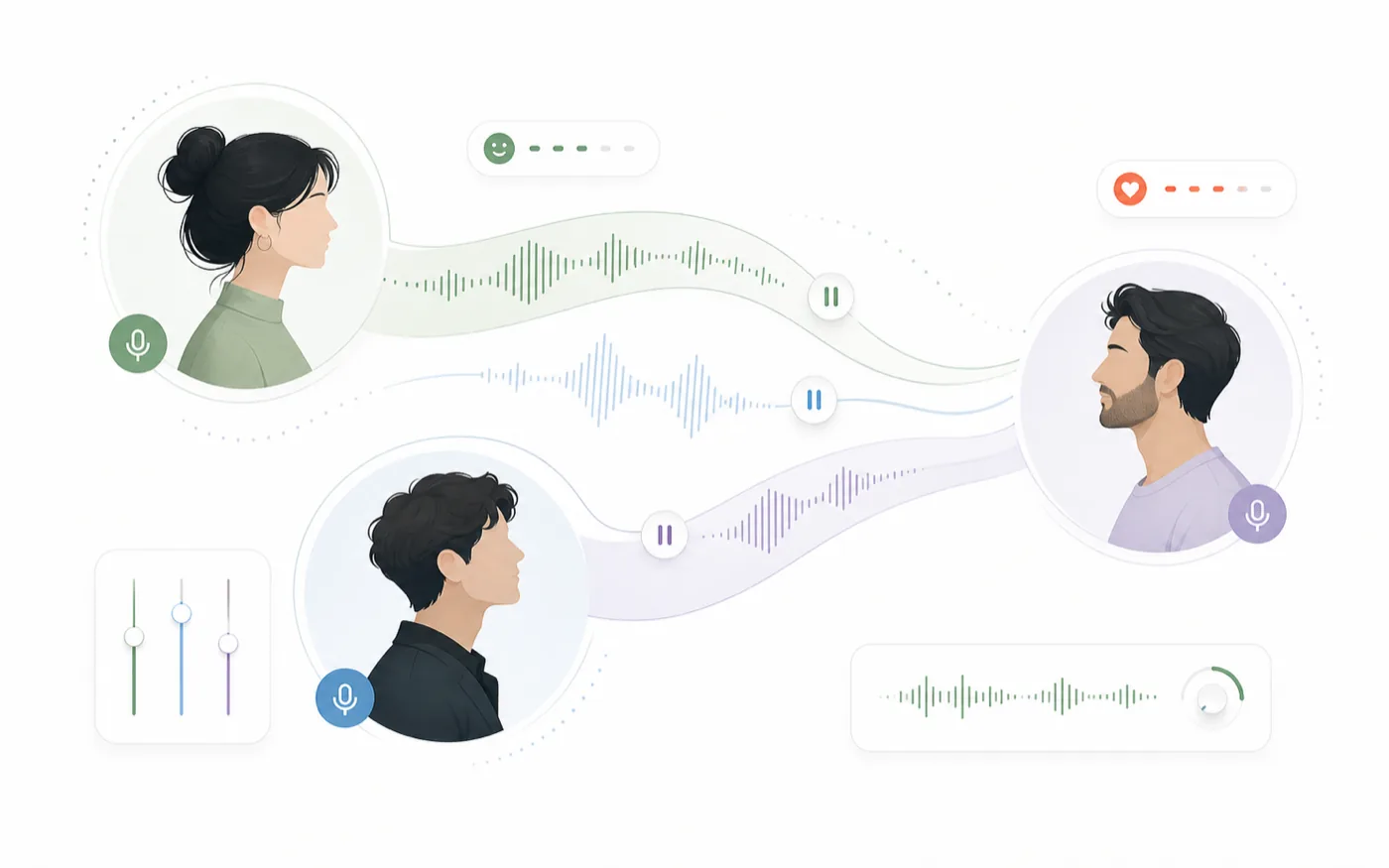
Generate narration for tutorials, product demos, short-form videos, social ads, accessibility audio, audiobooks, and multi-character dialogue. The same tool can handle a calm narrator, a branded creator voice, or a stylized character read.
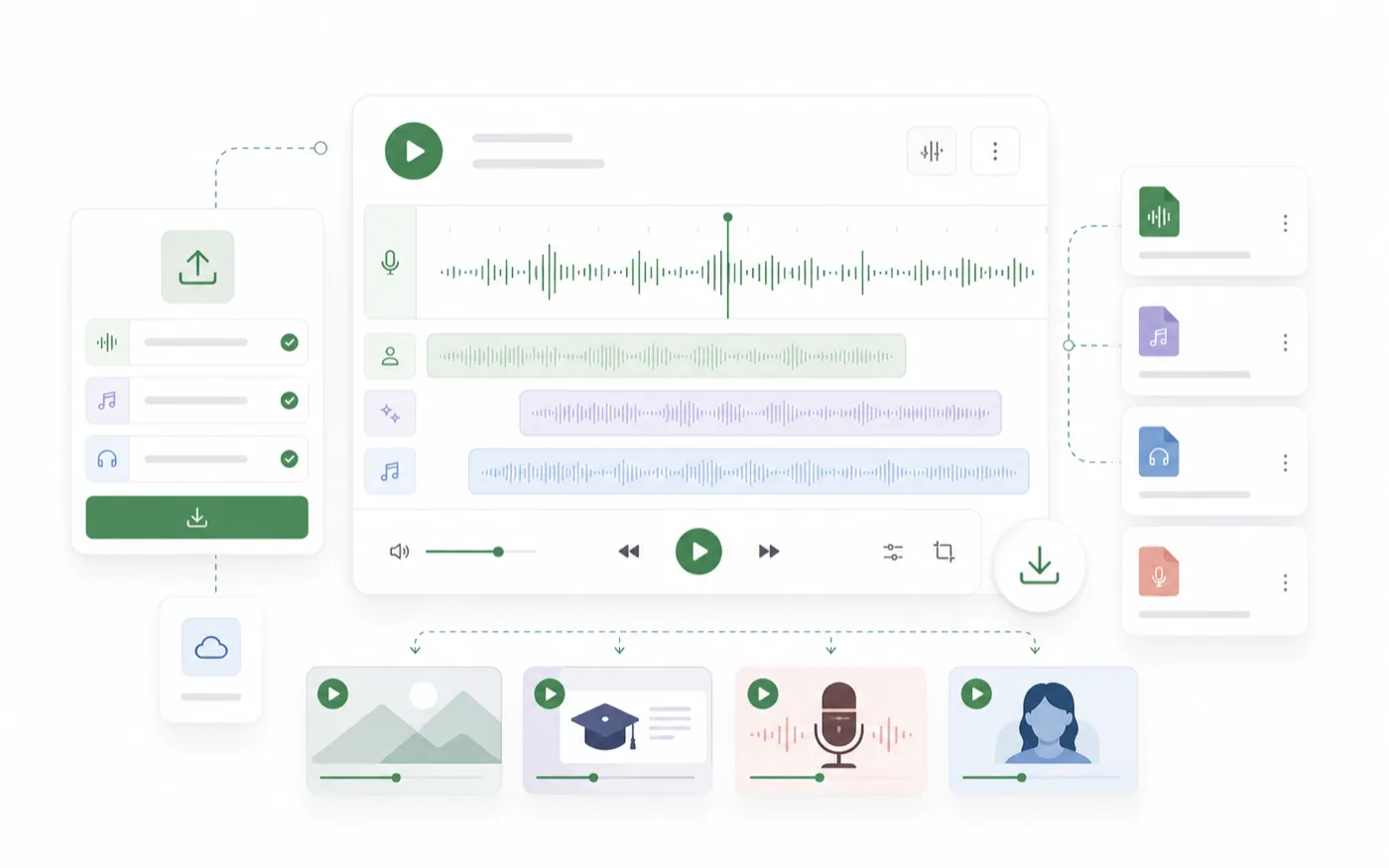
Text alone is rarely enough. RoleTTS supports practical direction through voice choice, emotion, sound tags, pause controls, and dialogue-friendly workflows so the final audio sounds closer to the scene you imagined.
The tool is designed around the details that make synthetic speech feel usable in real production: voice fit, delivery control, repeatable results, and quick export.
Choose natural voices for narration, creator videos, lessons, product demos, and character lines instead of flat robotic audio.
Turn scripts into richer scenes by assigning different voices to different roles and keeping the workflow in one tool.
Start from a library voice, design a new voice from a brief, or use a cloned voice when a project needs a consistent identity.
Keep the flow simple: script first, voice second, then generate and refine the audio until it fits the scene.
Add a sentence, a dialogue scene, a product script, or a longer narration draft to the editor.
Browse voices, match the language and style to the content, and add emotion, pause, or sound tag direction when needed.
Create the voiceover, preview the result, adjust the script if needed, then download audio for your project.
Text to speech works best when it sits next to voice discovery, voice design, cloning, and avatar creation.
Turn scripts into voiceovers with selected voices.
Open toolBrowse voices by language, style, gender, and use case.
Open toolCreate a new voice from a written voice direction.
Open toolCreate a reusable voice identity from your recording.
Open toolThe page keeps proof close to the tool: fast drafts, natural voices, and audio that is ready for real content workflows.
RoleTTS helps me turn short scripts into voiceovers without booking a recording session every time.
M.R.
Video creator
The voices feel clear enough for lessons, and the pause controls make long explanations easier to follow.
L.C.
Course producer
I use it to draft intros, sponsor reads, and alternate takes before we decide what needs a human recording.
A.W.
Podcast editor
Multi-voice dialogue makes it much easier to test character scenes before sending lines to production.
J.K.
Game writer
It is fast enough for ad variants and polished enough that previews feel close to a finished voiceover.
S.N.
Product marketer
We can create audio versions of written content quickly while keeping the voice consistent across pages.
D.P.
Accessibility lead
Start with the embedded generator above, then open the full studio when you want a focused workspace for longer scripts and saved voice workflows.
Open text to speech studio