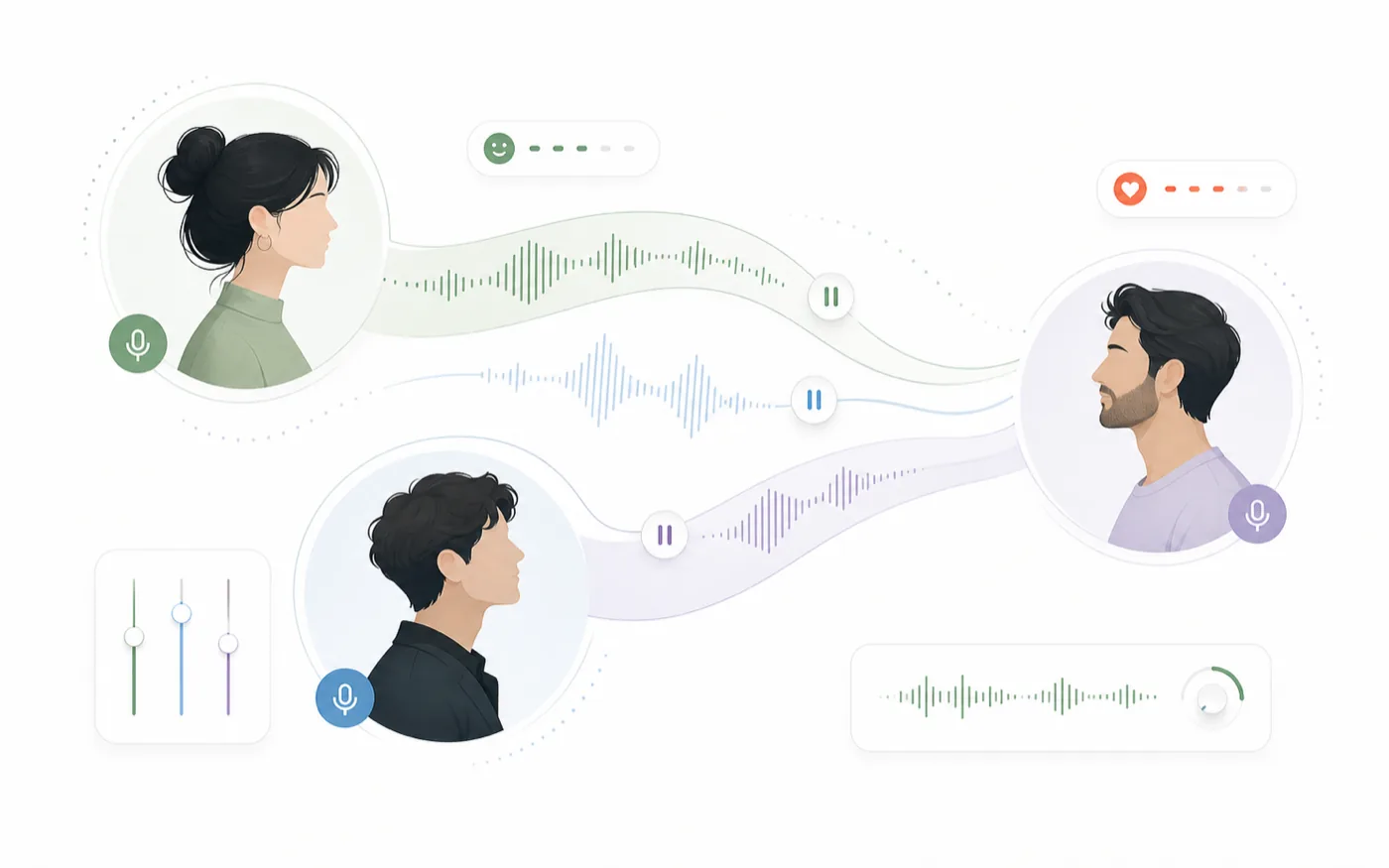
AI text to speech works best when it is treated like a small production workflow, not a one-click export. The goal is to give the voice enough context to perform the line, then keep the result organized so it can be reused in videos, podcasts, games, ads, or character scenes.
RoleTTS is built around that idea. You can start from a script, choose a voice, add pauses or sound tags, generate audio, and keep moving inside the same workspace.
Start With a Script That Has Performance Cues
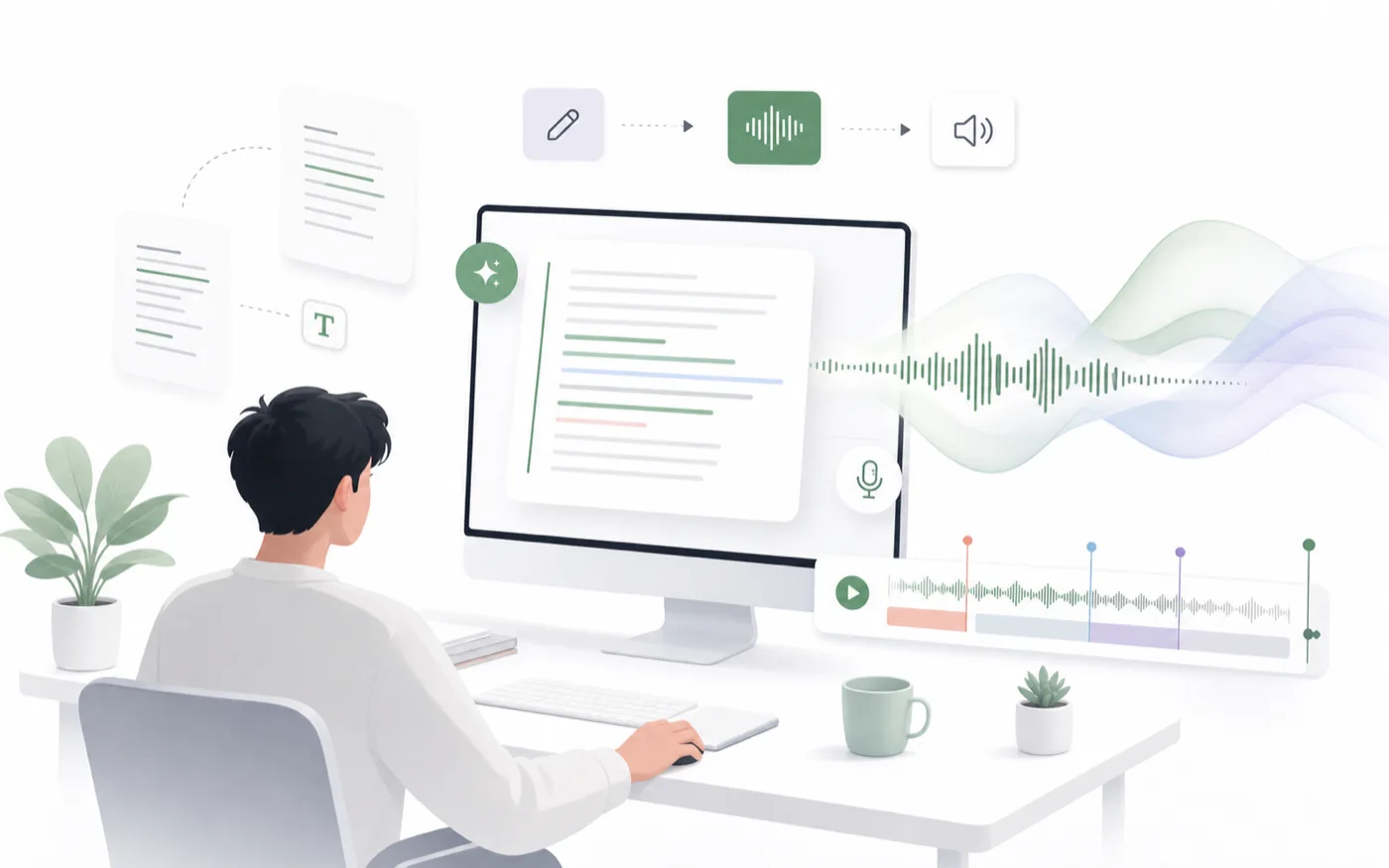
The script is still the most important part of any AI voiceover. A clean script gives the model fewer chances to guess wrong.
Write the line the way it should be heard. Shorter sentences usually sound more natural than long paragraphs. If the line needs a beat, add a pause where the listener should feel it. If the scene needs atmosphere, use a sound tag where it helps the performance.
Keep Each Generation Focused
For long content, split the script by scene, paragraph, or speaker. This makes it easier to compare takes, regenerate only the weak section, and keep pacing consistent.
If a character is speaking, keep that character's lines together. If the content is informational, group it by topic or section.
Choose the Voice Before You Polish the Script
Voice choice changes how a line should be written. A warm narrator can carry longer phrasing, while a fast character voice often needs tighter sentences.
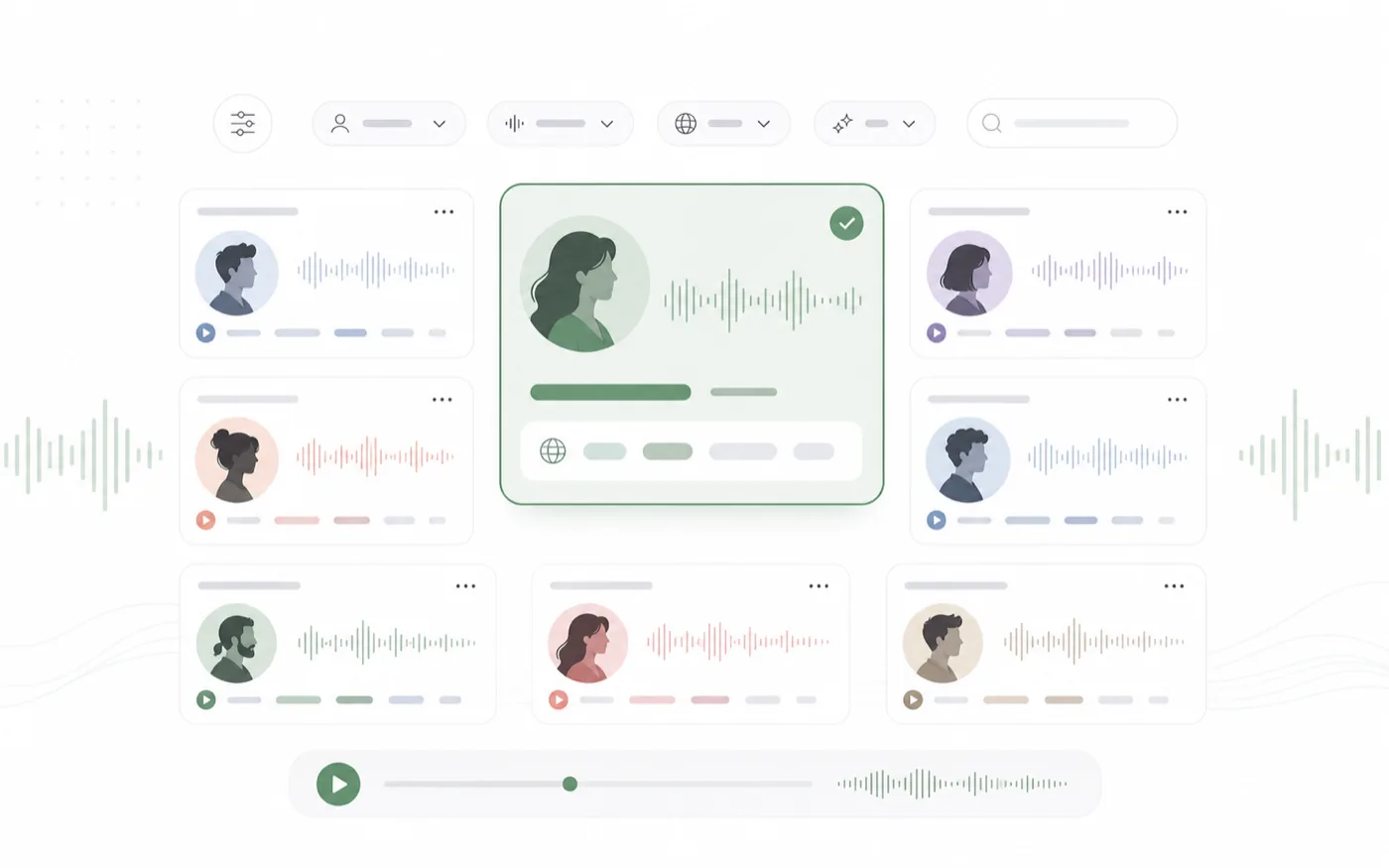
Use the AI Text to Speech page when you want to test the full workflow, or browse the AI Voice Library when the first decision is the voice itself.
Match Voice Type to Content Type
A good voice match usually starts with the use case:
- Tutorials need clarity and steady pacing.
- Story narration needs warmth and control.
- Character dialogue needs personality and emotion.
- Social videos need a voice that reaches the point quickly.
- Game lines need a voice that can stay consistent across many short takes.
Add Direction Without Overloading the Line
More direction is not always better. The best text to speech direction is specific but lightweight.
Use pauses to control pacing. Use sound tags when the sound belongs in the scene. Use emotion controls only when the entire line should lean into that emotion. If one sentence needs a different emotional shift, generate it separately and compare the result.
Review the Audio Like a Take
After generation, listen for three things:
- Does the voice match the role?
- Does the pacing match the script?
- Does the delivery sound usable without extra editing?
If the answer is close but not right, change one thing at a time. Switch the voice, shorten the sentence, add a pause, or regenerate the same line for another take.
Turn Good Voices Into a Repeatable System
The real SEO and production advantage is consistency. Once you find a voice that works, save the decision with the content type it fits.
For example, you might keep one voice for short product explainers, another for character storytelling, and another for polished narration. If you need a custom sound, move into AI Voice Design or AI Voice Clone instead of forcing a preset voice to do every job.
A Simple RoleTTS Text to Speech Checklist
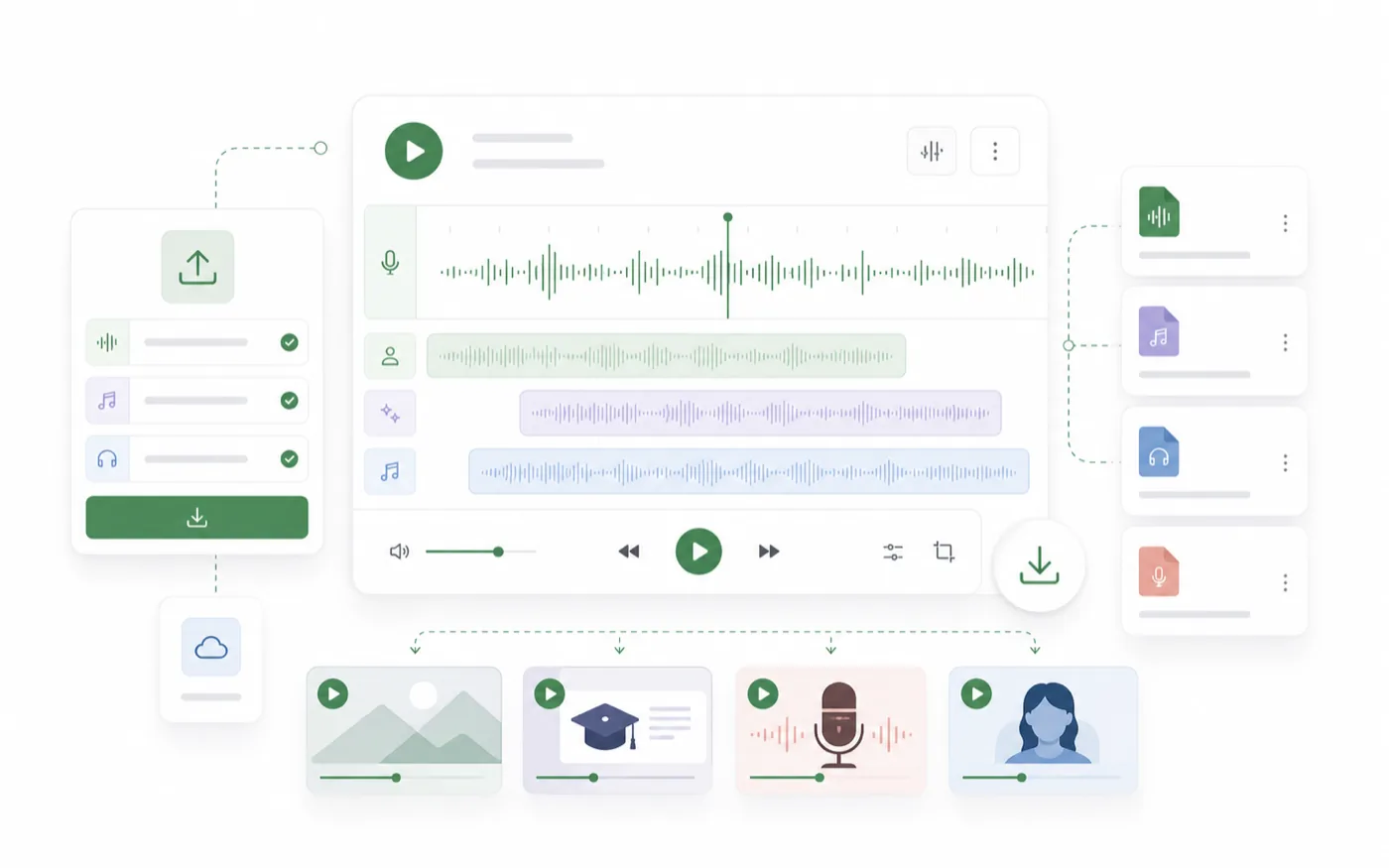
Before publishing or exporting, check the basics:
- The script is split into manageable sections.
- The selected voice matches the audience and format.
- Pauses are placed where the listener needs space.
- Sound tags support the scene instead of distracting from it.
- The final audio is named or saved in a way you can find later.
That small workflow is often enough to turn AI text to speech from a rough draft tool into a reliable voiceover system.