Natural narrator voices
Choose realistic voices for video narration, product walkthroughs, courses, ads, podcasts, and social content.

Create natural AI voice over audio for videos, ads, courses, podcasts, tutorials, and character-driven content.
Welcome to the product walkthrough. In the next minute, we will show how this feature helps your team move from idea to finished content faster.
Model
Speaker
Mature Woman
Voice Controls
Speed
Pitch
Volume


Trusted by 1M+ creators and companies in 40+ countries.









An AI voice over page should help creators move from script to usable narration. RoleTTS keeps the generator first, then gives you the context to choose voices, direct delivery, and export clean audio.
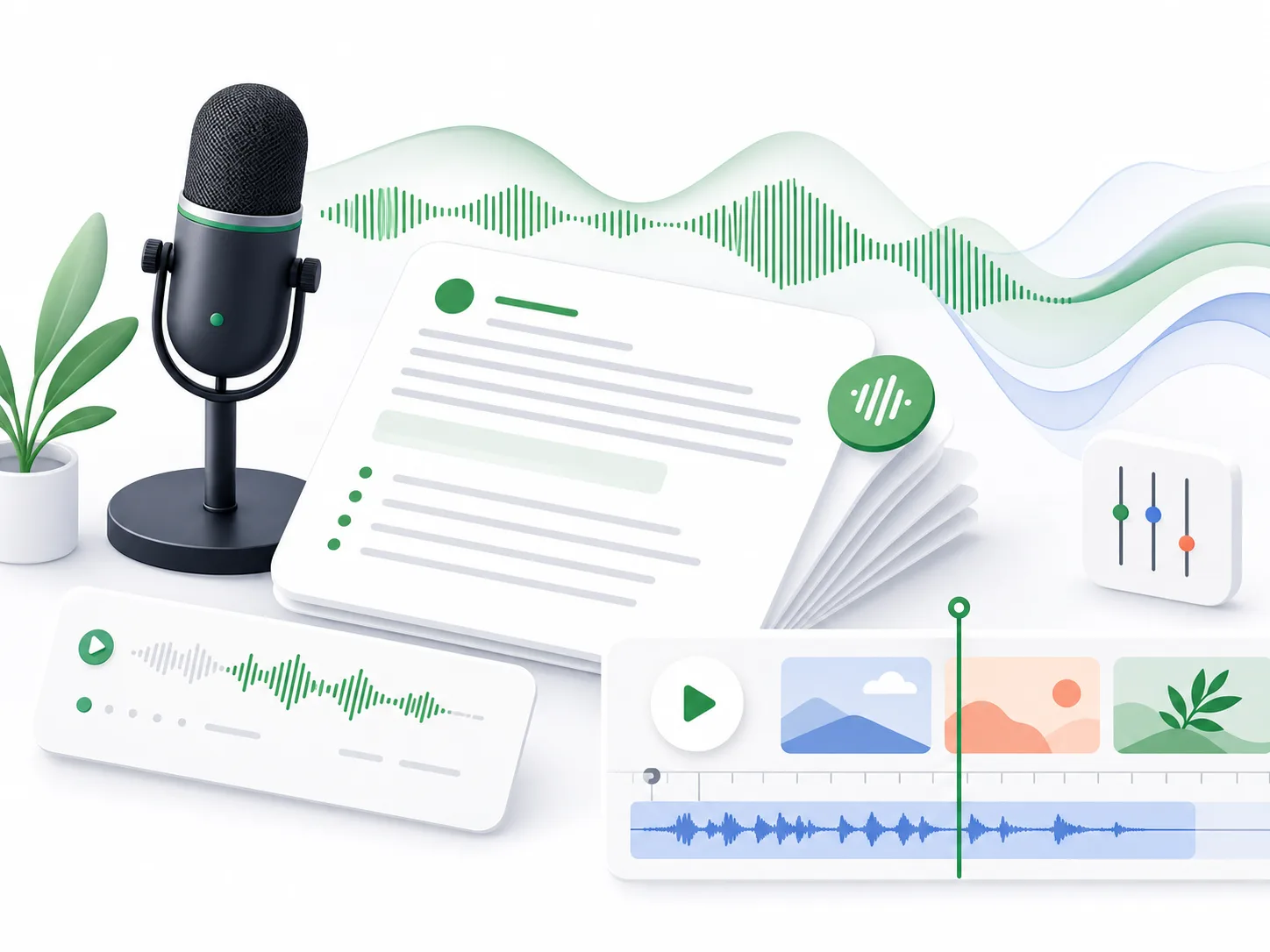
An AI voice over is generated narration created from a written script. Instead of recording every take manually, you can paste copy, choose a voice, direct the performance, and produce downloadable audio for real content.
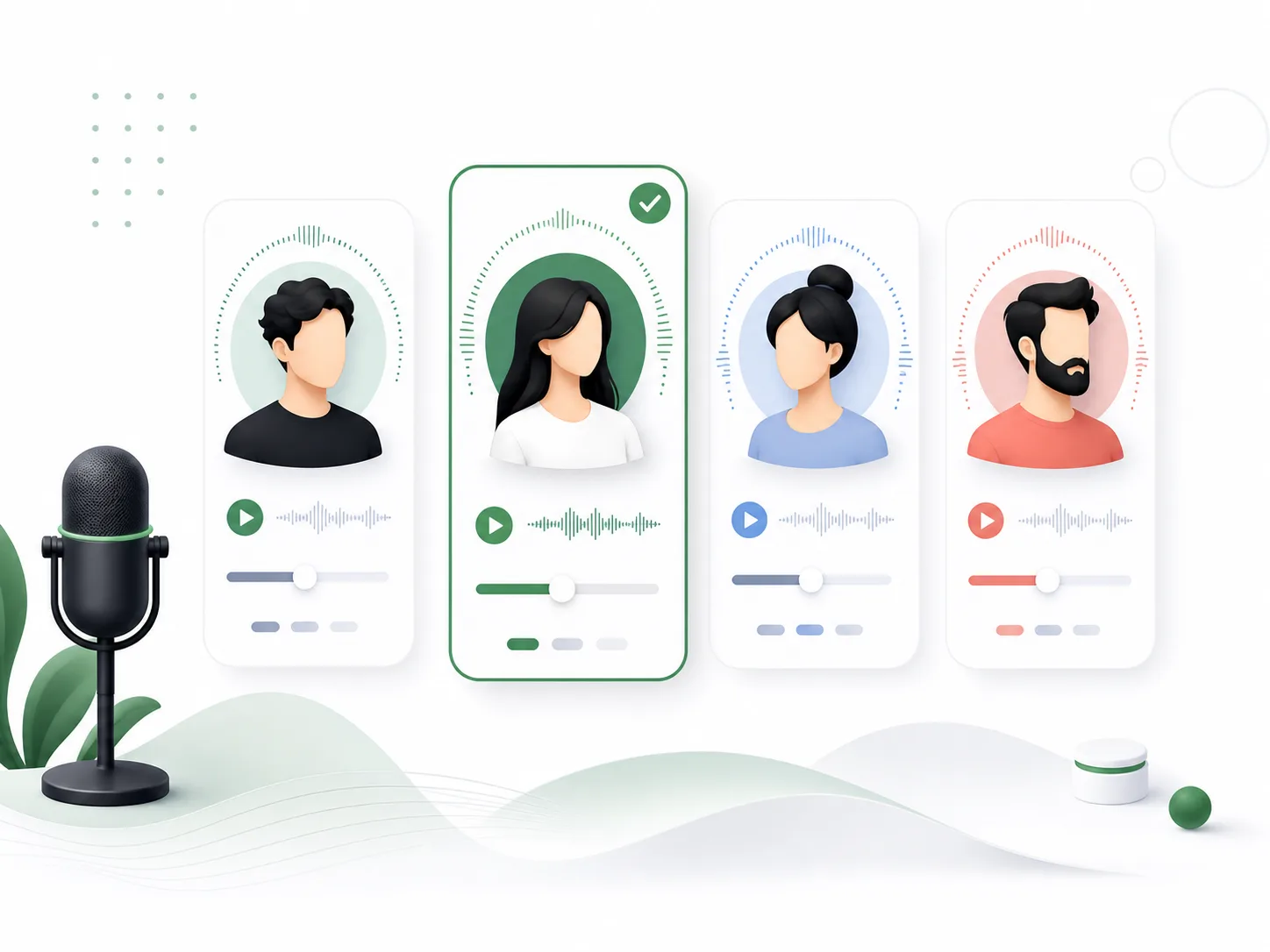
A strong AI voice over starts with voice fit. RoleTTS lets you browse voices, use saved voices, adjust language, and keep the narrator aligned with the project tone.
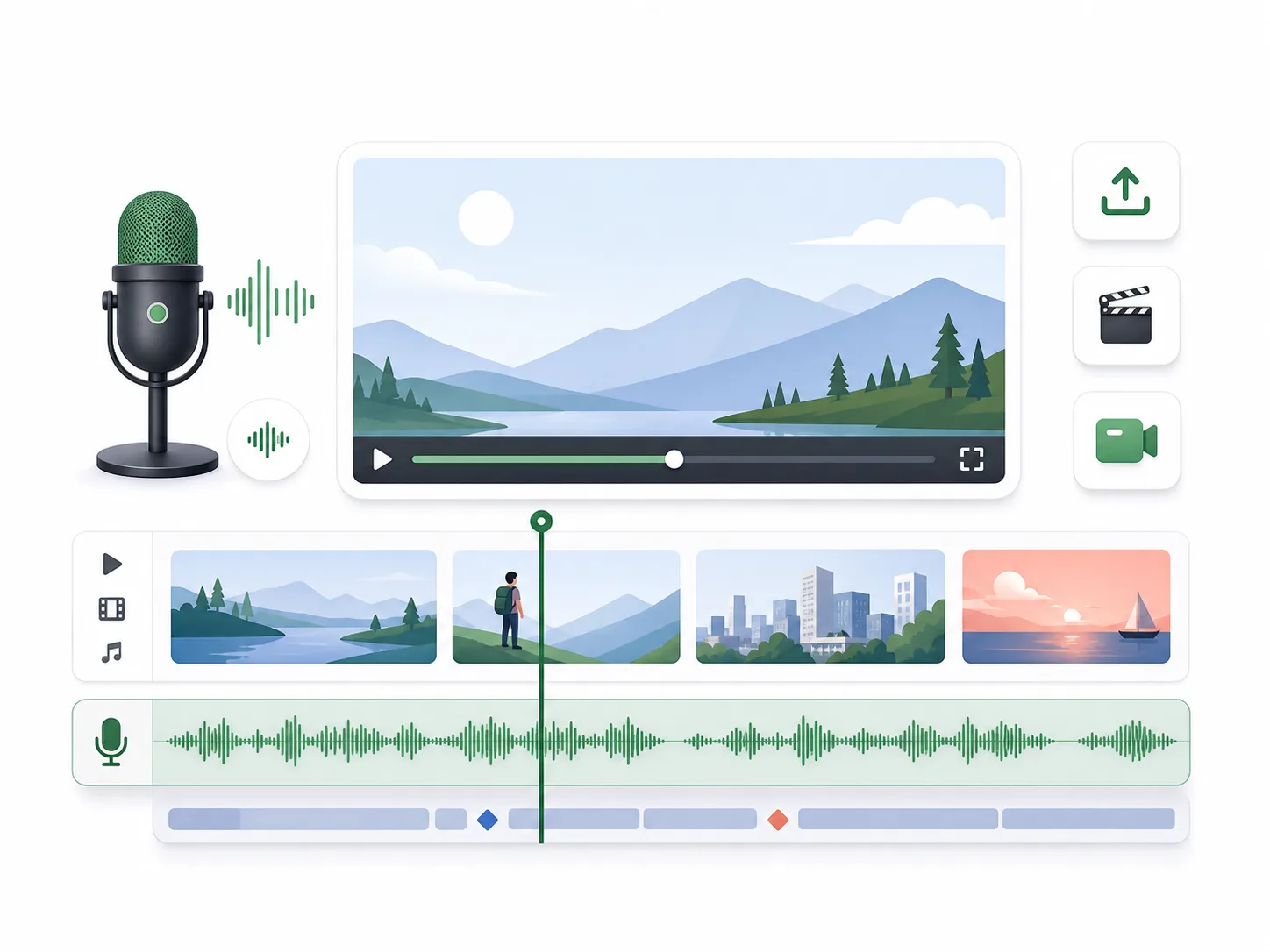
Generate voice over tracks for product demos, YouTube videos, social ads, tutorials, training content, and talking avatar scripts without leaving the same workspace.
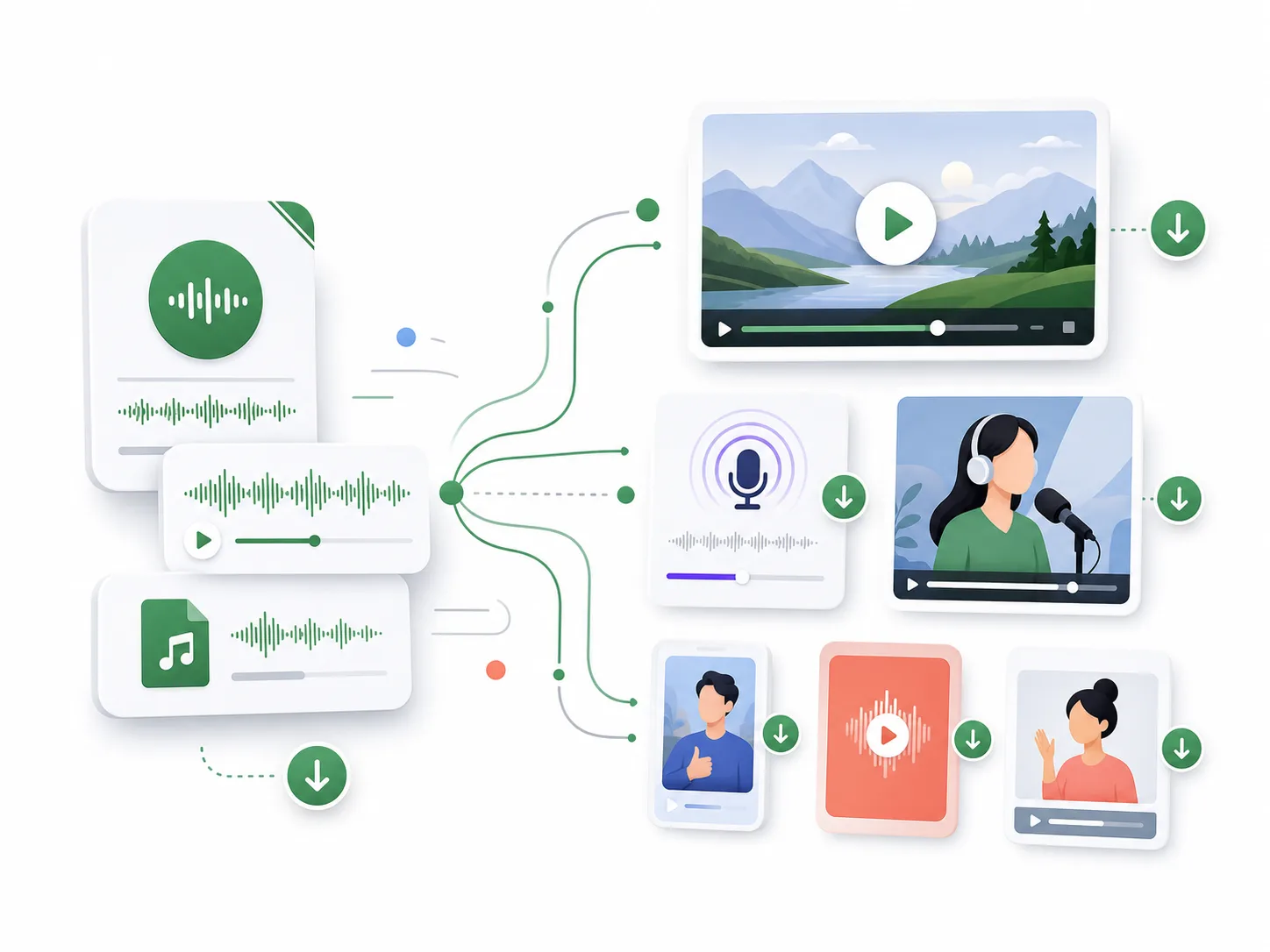
Preview the AI voice over, refine the script, adjust pacing with pauses, and download audio for your video editor, podcast workflow, or content pipeline.
RoleTTS is built for creator-ready voice over work: script in, voice selected, delivery directed, audio exported.
Choose realistic voices for video narration, product walkthroughs, courses, ads, podcasts, and social content.
Use voice choice, language, emotion, pauses, sound tags, and script edits to shape the final AI voice over.
Move between the voice library, voice design, voice cloning, and text to speech so a voice over style can stay consistent across projects.
Start with the script, choose the narrator, then generate and refine the voice over until it fits the scene.
Add a product demo, course lesson, ad read, podcast intro, or short video narration to the editor.
Pick a narrator voice that matches the audience, content type, language, and emotional tone.
Create the AI voice over, listen to the take, adjust the script if needed, then download the audio.
AI voice over works best when it connects to voice discovery, voice design, cloning, and talking avatar workflows.
Turn scripts into voiceovers with selected voices.
Open toolBrowse voices by language, style, gender, and use case.
Open toolCreate a new voice from a written voice direction.
Open toolCreate a reusable voice identity from your recording.
Open toolThe AI voice over workflow helps teams test narration, produce variants, and move faster before final publishing.
RoleTTS lets us draft AI voice over tracks for edits before we decide which scripts need a studio recording.
C.M.
Video producer
I can turn lesson scripts into clear voice overs and adjust pauses when a section needs more breathing room.
R.K.
Course creator
It is useful for ad variants because we can test different voice over directions quickly.
N.V.
Growth marketer
For intros and sponsor reads, the AI voice over workflow is fast enough to keep up with production.
J.S.
Podcast editor
The same workspace handles the script, voice, preview, and audio export, which keeps the process simple.
A.B.
Product marketer
We use it to compare narration styles before committing to a final voice over direction.
T.L.
Content lead
Start with the embedded generator, then open the full text to speech studio when you need longer scripts and saved voice workflows.
Open text to speech studio