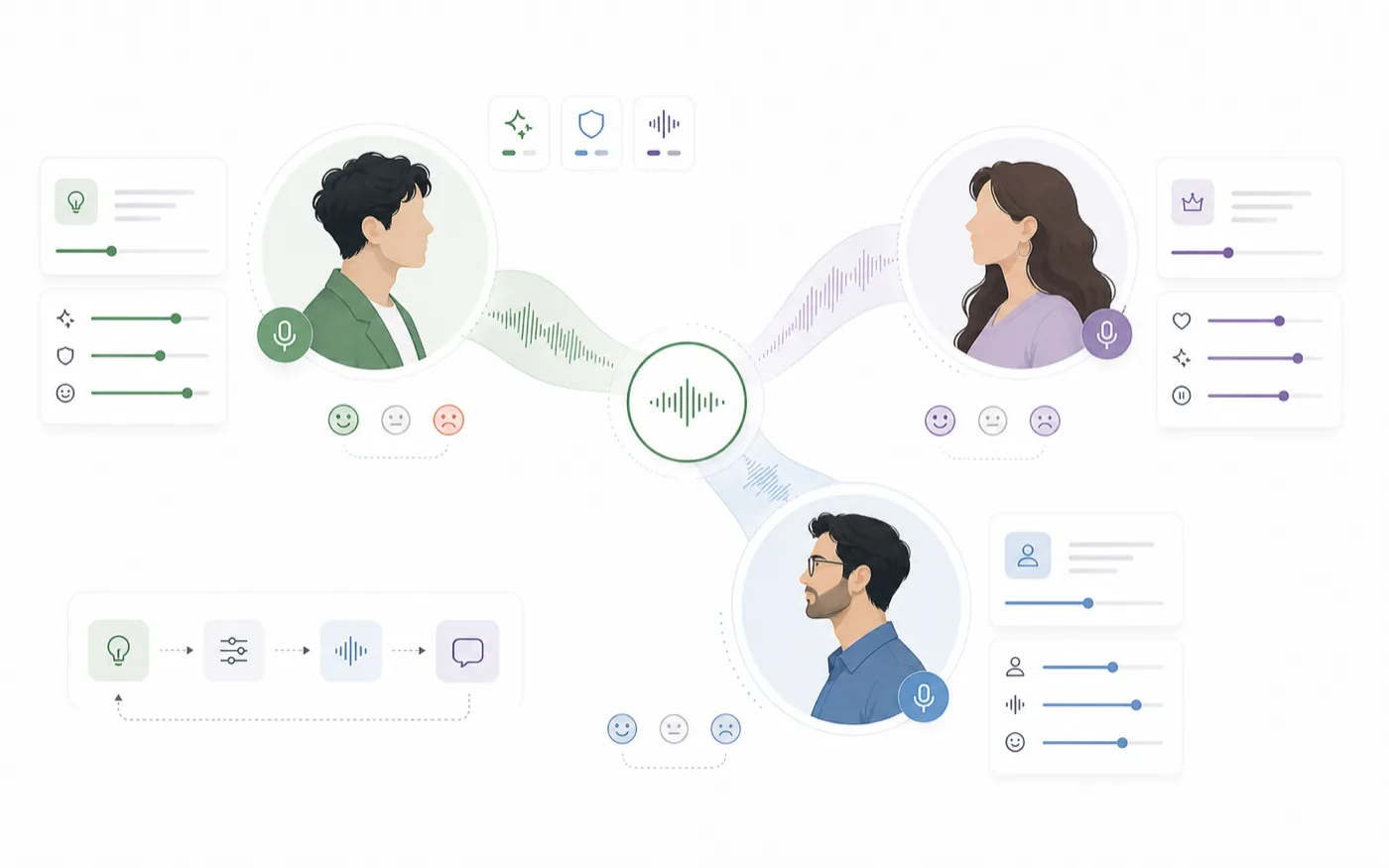
AI voice design is useful when an existing preset voice is close but not specific enough. Instead of searching through hundreds of voices, you describe the character, provide a visual cue, and generate a new voice direction that fits the role.
RoleTTS Voice Design is built for that moment between casting and production. You can turn a character brief into a voice profile, test the sound with a short script, and move the result into your voice workflow.
Start With the Role, Not the Voice
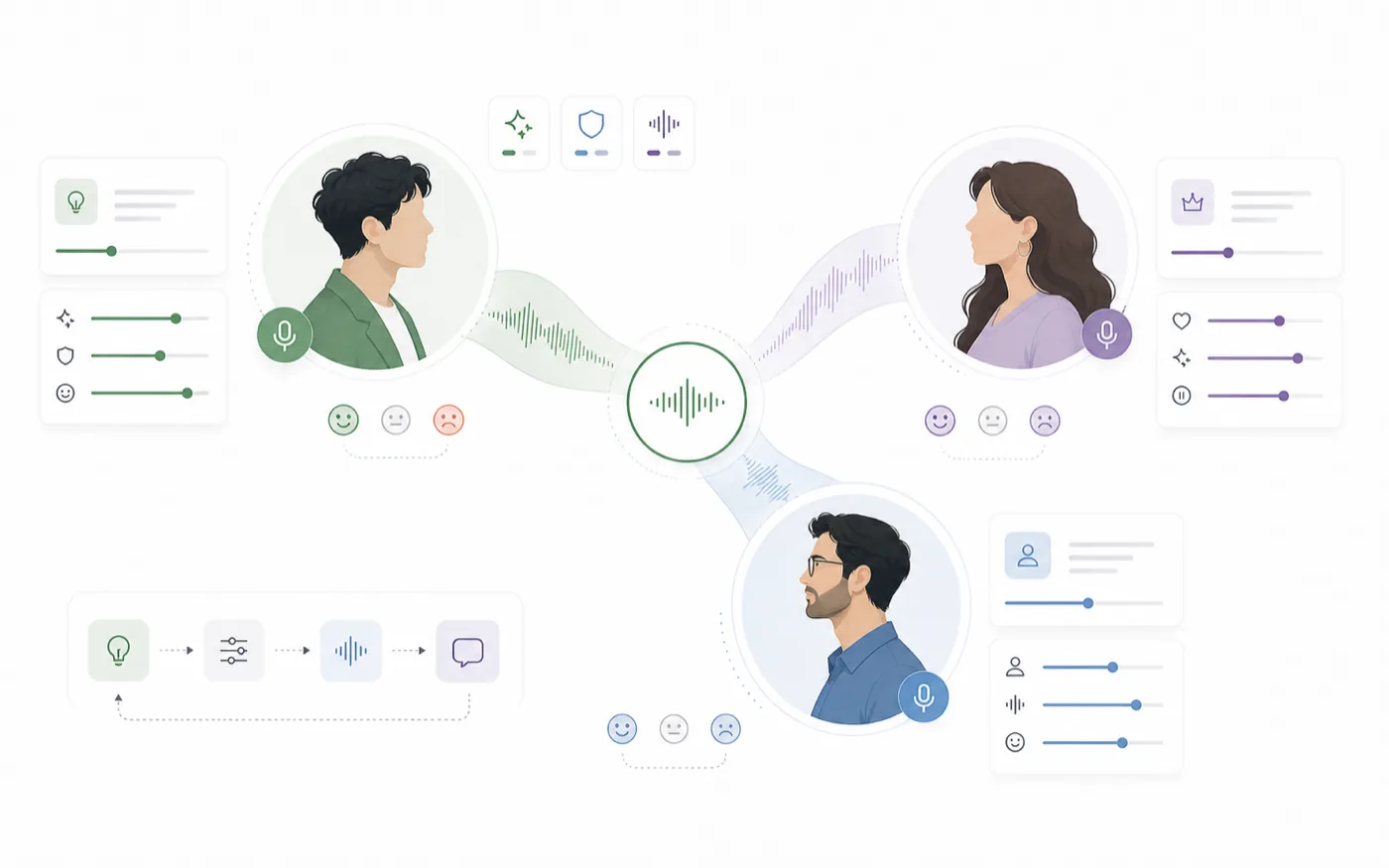
A strong voice design prompt starts with the role the voice needs to play. Avoid starting with vague words like "nice" or "professional." They are useful as supporting details, but they do not define the character.
A better brief answers four questions:
- Who is speaking?
- What are they feeling?
- Who are they speaking to?
- What kind of content will this voice appear in?
For example, "a calm young narrator for cozy fantasy stories" gives the system more direction than "female voice, soft."
Use a Reference Image as Creative Direction
The reference image does not need to be a perfect character sheet. It can be a portrait, mood board, avatar, or visual style cue. What matters is that the image communicates age range, energy, genre, and emotional tone.
Use the AI Voice Design page when you want the voice to follow a specific character direction instead of choosing from a fixed catalog.
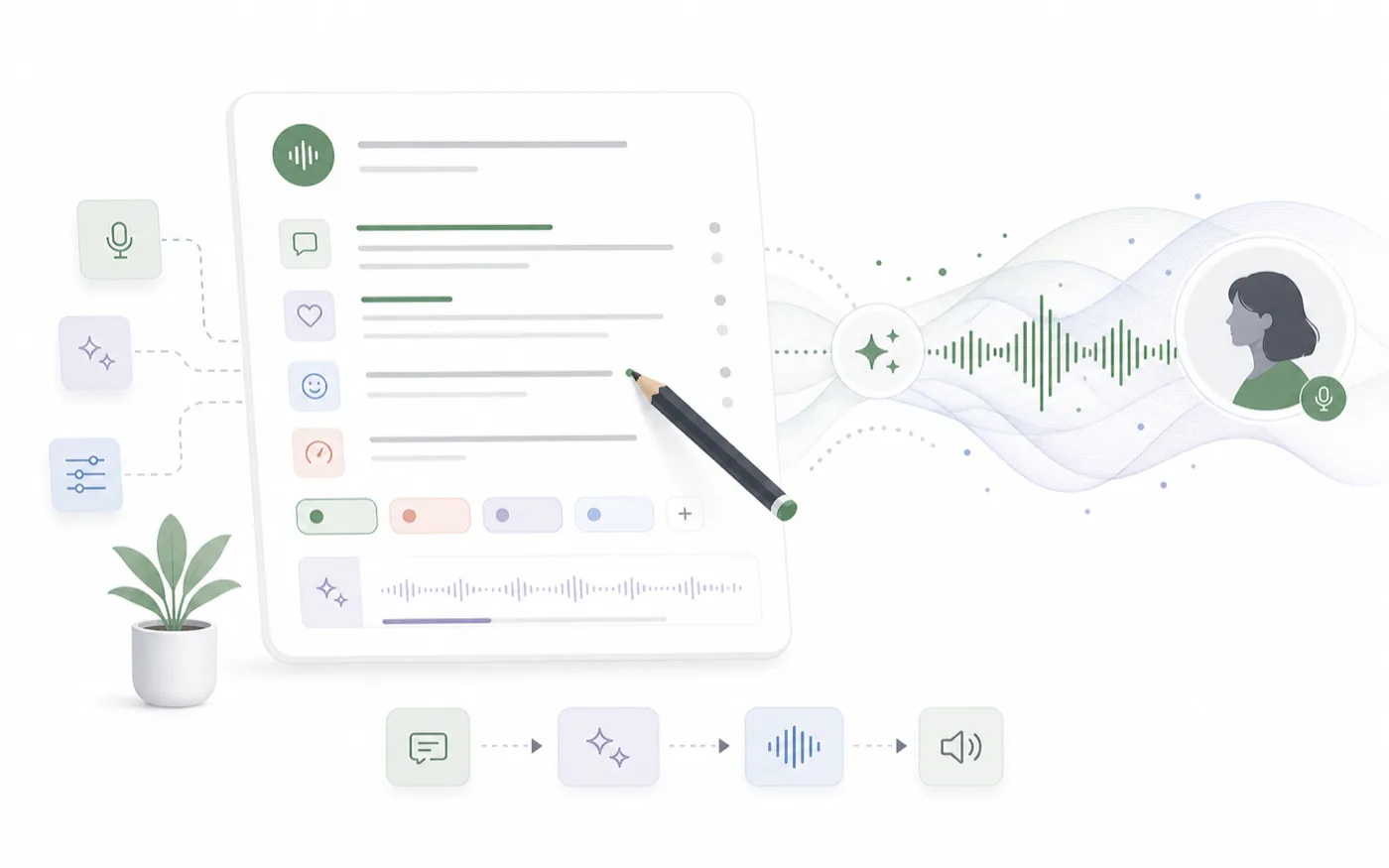
Write the Brief Like a Casting Note
Keep the voice brief concrete:
- "Warm, thoughtful, and slightly mysterious."
- "Fast, bright, and confident for short social videos."
- "Soft-spoken but emotionally direct."
- "A heroic young lead voice for fantasy dialogue."
These phrases help define performance. They are more useful than long paragraphs that repeat the same adjective.
Test With a Script That Reveals the Voice
A voice can sound good on one sentence but fail on real content. Test with lines that represent the actual use case.
For storytelling, include a descriptive line and a dialogue line. For product explainers, include one sentence with technical wording. For character content, include a line with emotion or tension.
Compare the Voice Against the Job
Do not only ask, "Does this sound good?" Ask whether the voice can do the job:
- Is it clear enough for the audience?
- Does it fit the character age and personality?
- Can it carry longer lines without sounding flat?
- Would this voice still work after ten more scenes?
Move From Voice Design to Production
Once a designed voice works, bring it into your broader workflow. Use it for AI Text to Speech, save it in your library, or combine it with a visual character in Talking Avatar.
AI Voice Design Checklist
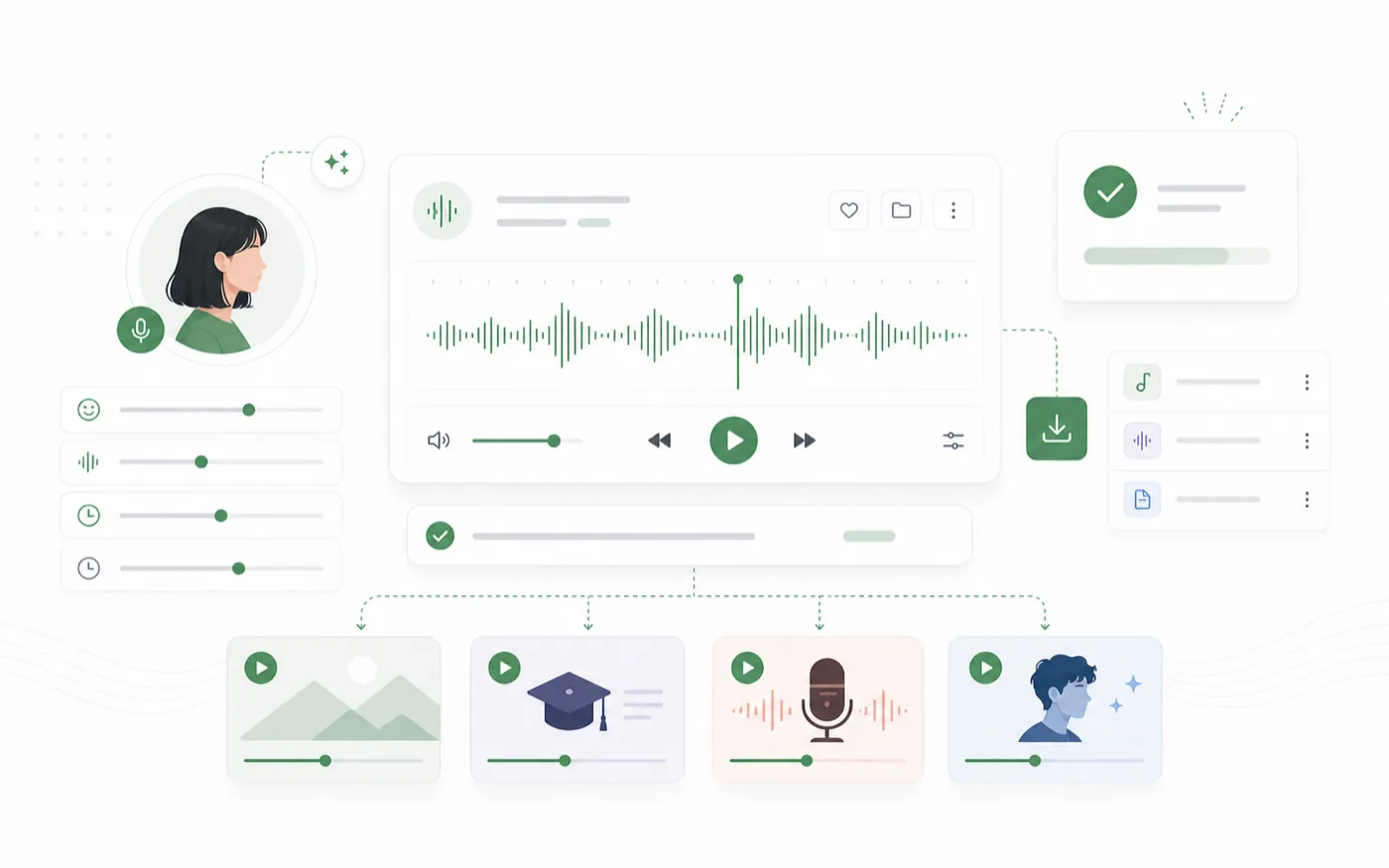
Before saving the voice, check the essentials:
- The character brief is specific.
- The reference image supports the intended mood.
- The test script matches real content.
- The voice sounds usable across more than one sentence.
- The result has a clear role in your voice library.
Voice design becomes powerful when it stops being random generation and starts acting like casting. Define the role first, test the performance second, and keep the voice only if it can serve the content repeatedly.