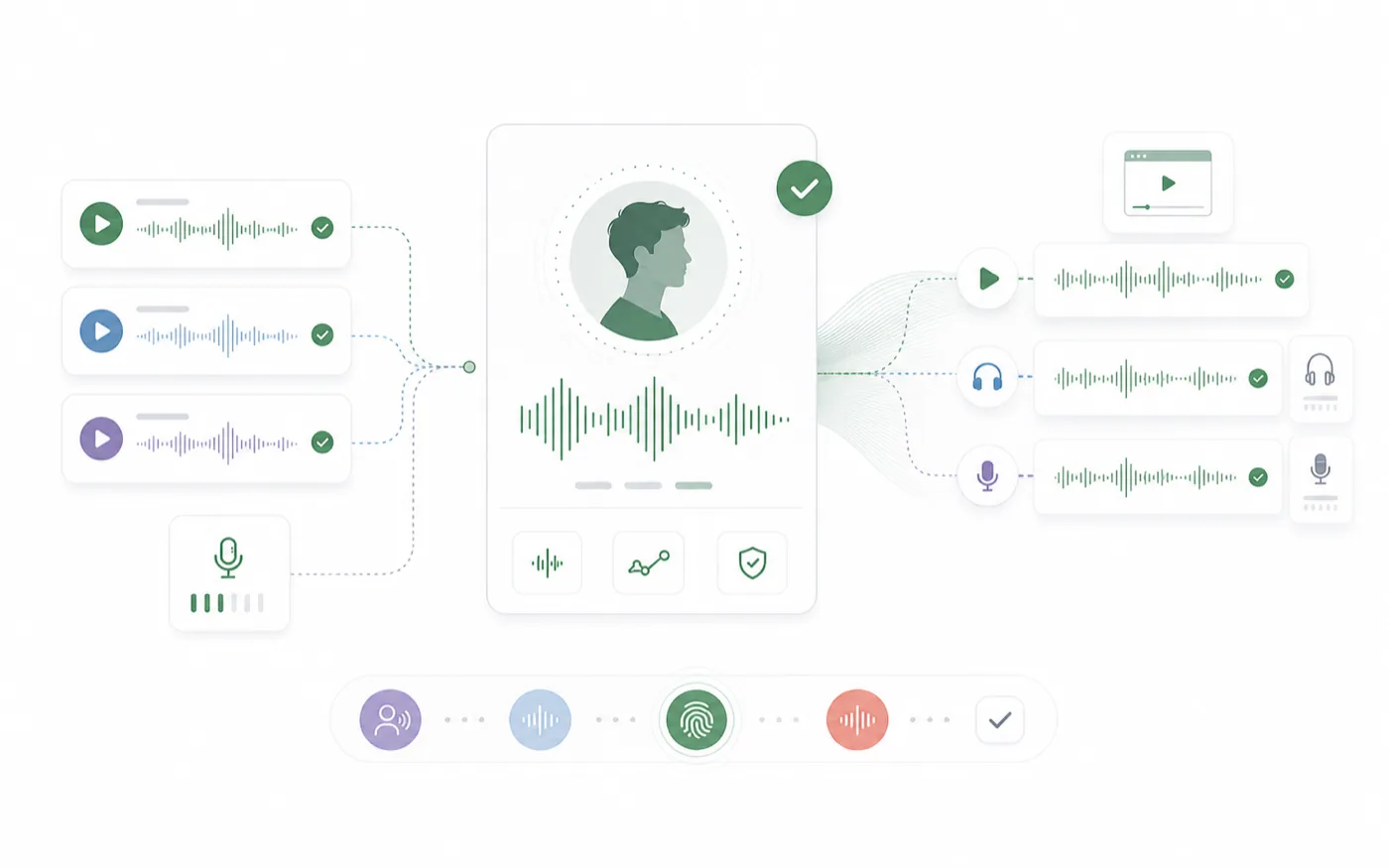
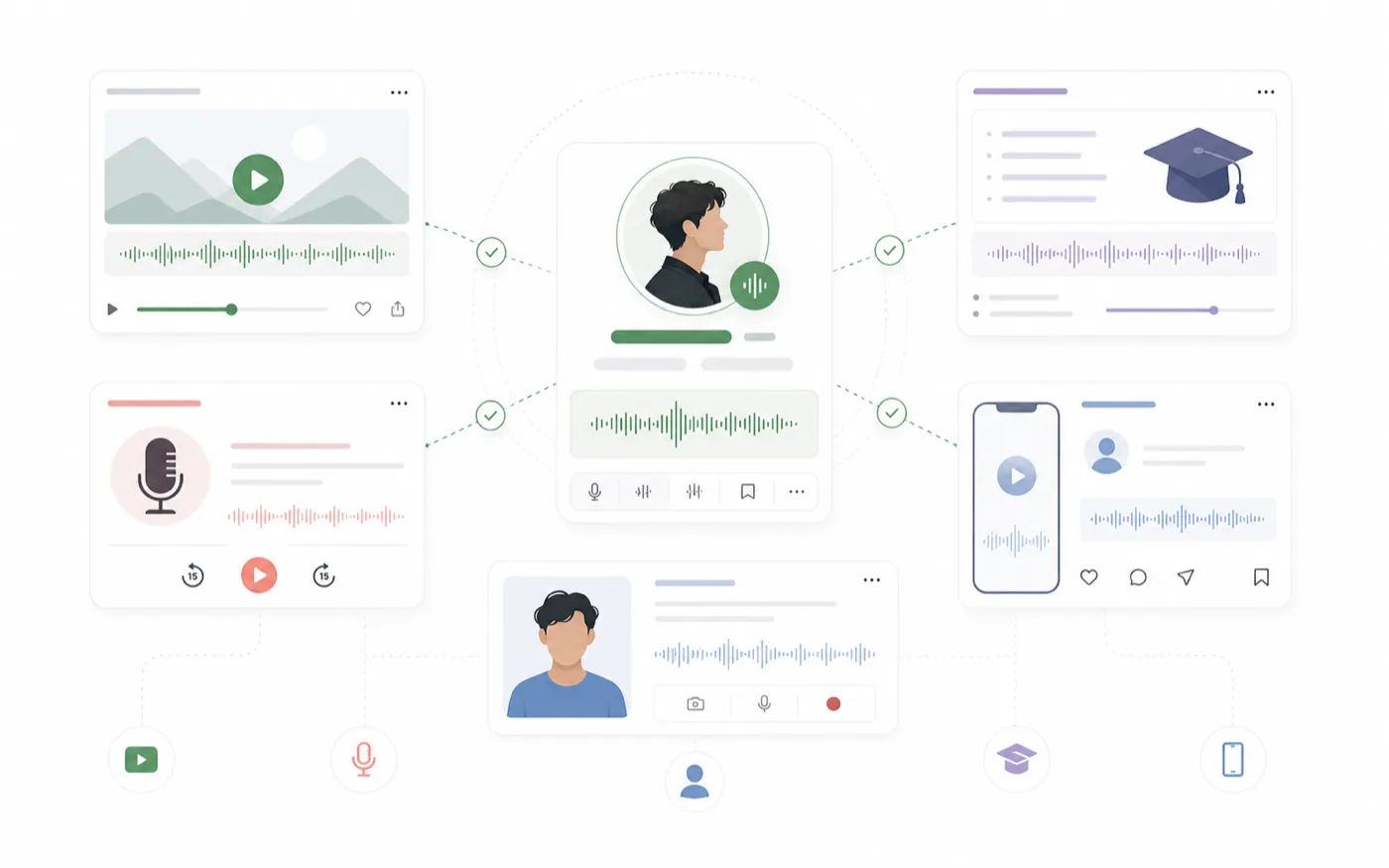
Voice cloning is most useful when you need continuity. A creator voice, character voice, brand narrator, or approved reference performance can become a reusable AI voice that stays consistent across future scripts.
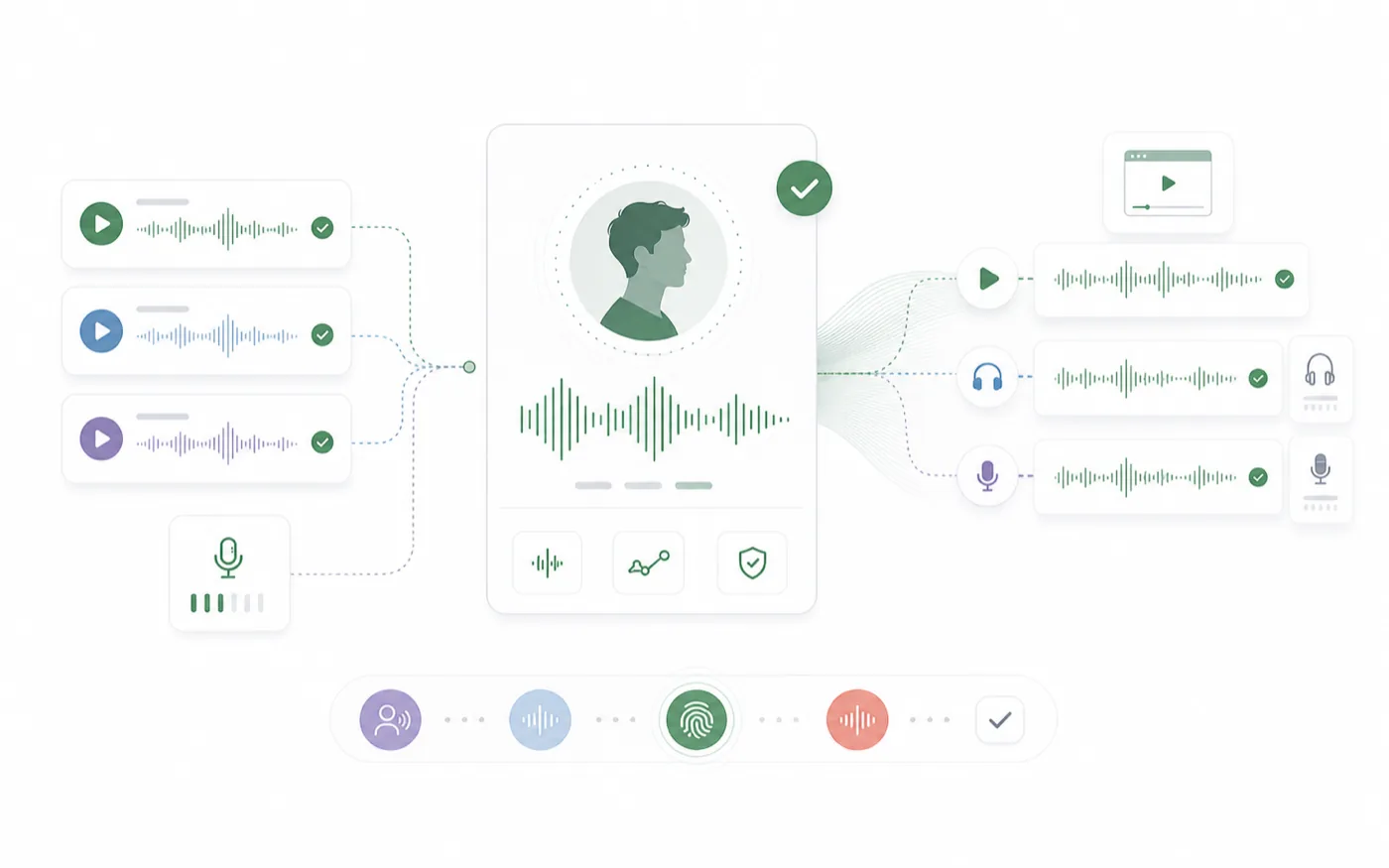
The workflow matters because the cloned voice is only as good as the reference audio and the test process. RoleTTS keeps those steps close together so you can upload a sample, generate speech, compare the result, and save the voice when it is ready.
Prepare Clean Reference Audio
The reference sample should represent the voice you want to reuse. It does not need to be a full production recording, but it should be clean enough for the model to understand the speaker.
Use audio with minimal background noise, stable volume, and natural speech. Avoid heavy music, multiple speakers, strong room echo, or clips where the speaker is whispering unless that is the voice you want to clone.
Use a Sample That Matches the Future Use Case
If the cloned voice will read narration, use a narration-style sample. If it will speak character lines, use a sample with natural expression. A reference clip that is too different from the target content can make the final voice harder to judge.
Clone, Then Test With Real Lines
After creating a clone, the first test should be a practical line. Do not only test with a short greeting. Use a sentence that includes the pacing, vocabulary, and tone the voice will need later.
The AI Voice Clone page is designed for this compare-and-save step. You can judge the generated result before treating the clone as part of your production voice library.
Listen for Similarity and Usability
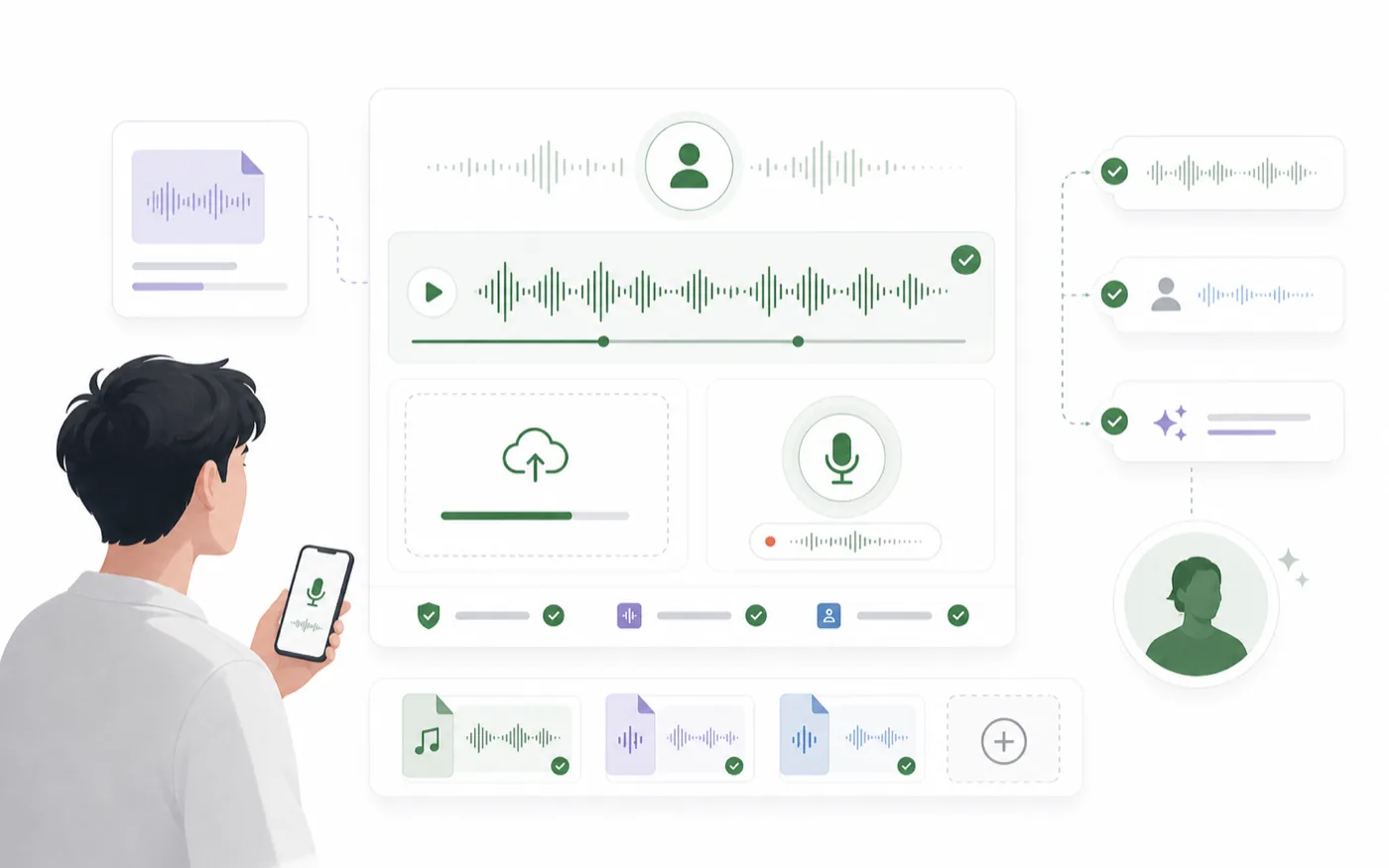
A useful cloned voice should be judged on more than likeness:
- Does it keep the recognizable tone of the reference?
- Is the speech clear enough for the target format?
- Does it stay stable across multiple lines?
- Does it sound natural when the script changes?
- Would you be comfortable using it in a real project?
Save Only the Voices You Can Reuse
It is tempting to save every clone, but a smaller voice library is easier to manage. Save a cloned voice when it has a clear future use.
Name the voice by role or purpose, not only by source. For example, "founder explainer voice" or "warm character narrator" will be easier to find later than a vague file name.
Use Cloned Voices Responsibly
Only clone voices you own, have permission to use, or are authorized to process. Voice cloning can create content that sounds like a real person, so consent and context matter.
For public content, avoid using a cloned voice in a way that misleads people about who is speaking. For internal or creative work, keep reference sources and usage intent clear.
Voice Cloning Checklist
Before saving or publishing cloned speech, review the workflow:
- The reference audio is clean and contains one speaker.
- The sample matches the future use case.
- The cloned voice has been tested with real script lines.
- The result is similar, clear, and stable.
- The voice is saved with a useful role-based name.
- You have the rights or permission needed to use the voice.
Good voice cloning is less about chasing a single perfect sample and more about building a repeatable voice asset. Start with clean audio, test with real content, and only keep voices that can work across future scripts.